Coding is alive and well: it's a great time to learn to code
Tools now write code, so why learn? Because someone still has to understand it, answer for it, and build what comes next. That someone can be you.
By Gregor Dzierzon ·
Yes. Learning to code is worth it, and you can build a whole career on it, and a good one. If anything, learning it deeply matters more now than it did five years ago.
That's the short answer. Here's the longer one.
I've watched this happen before
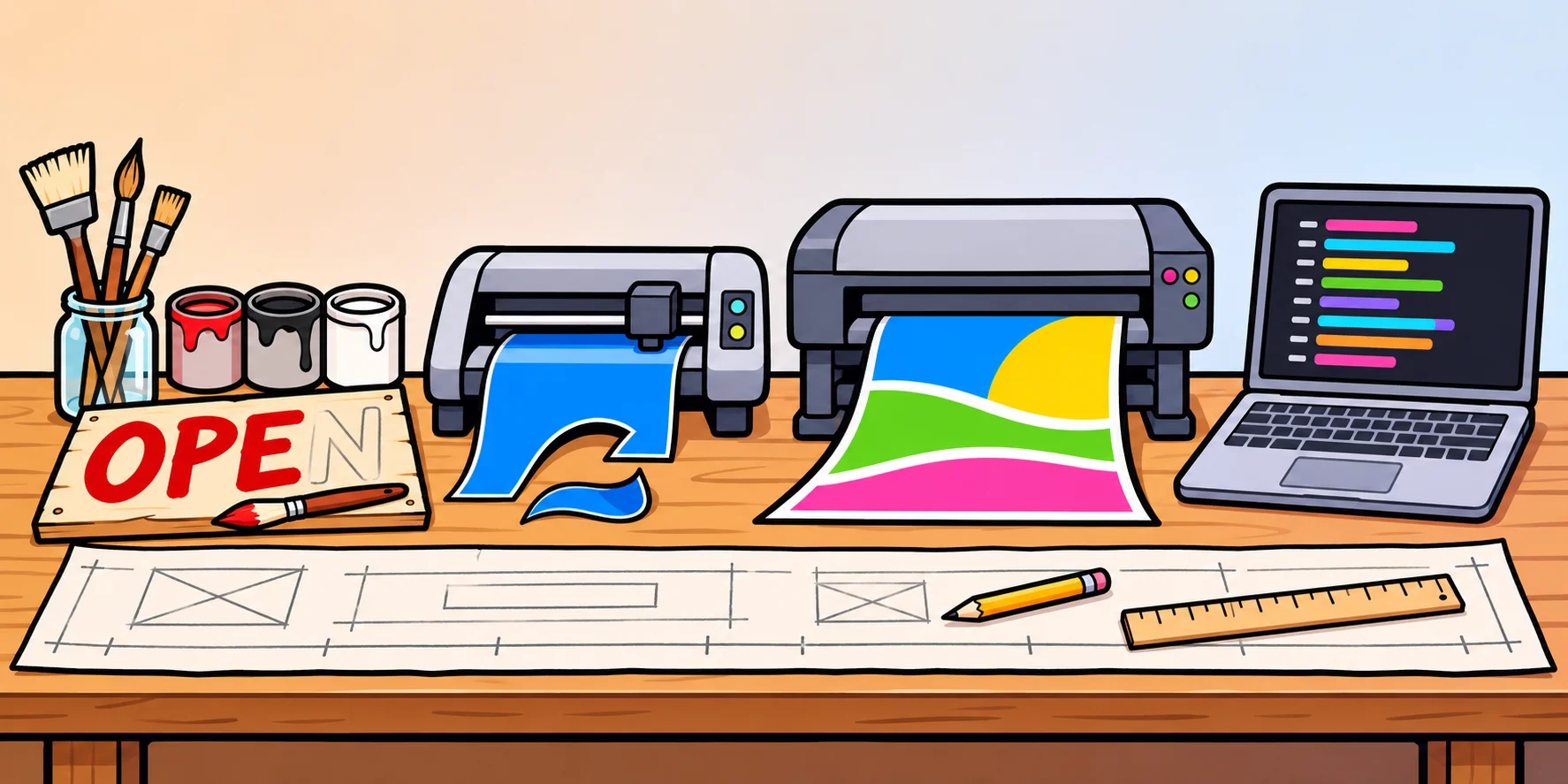
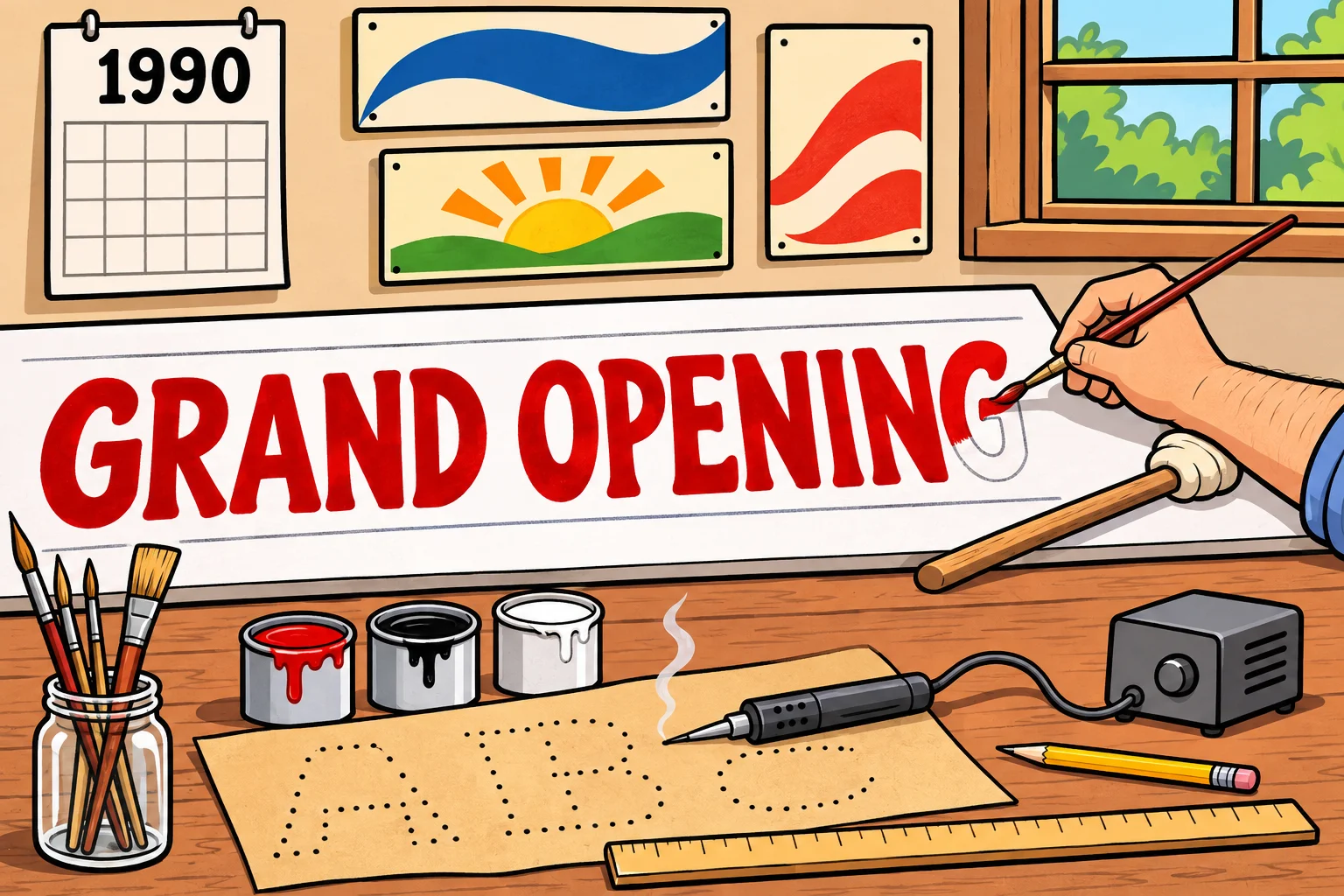
From 1990 to 1998, I worked on and off in my dad's sign shop. When I started, we painted everything by hand. We drew our stencils, or made them with an electric stencil burner, and lettered every sign with a brush.
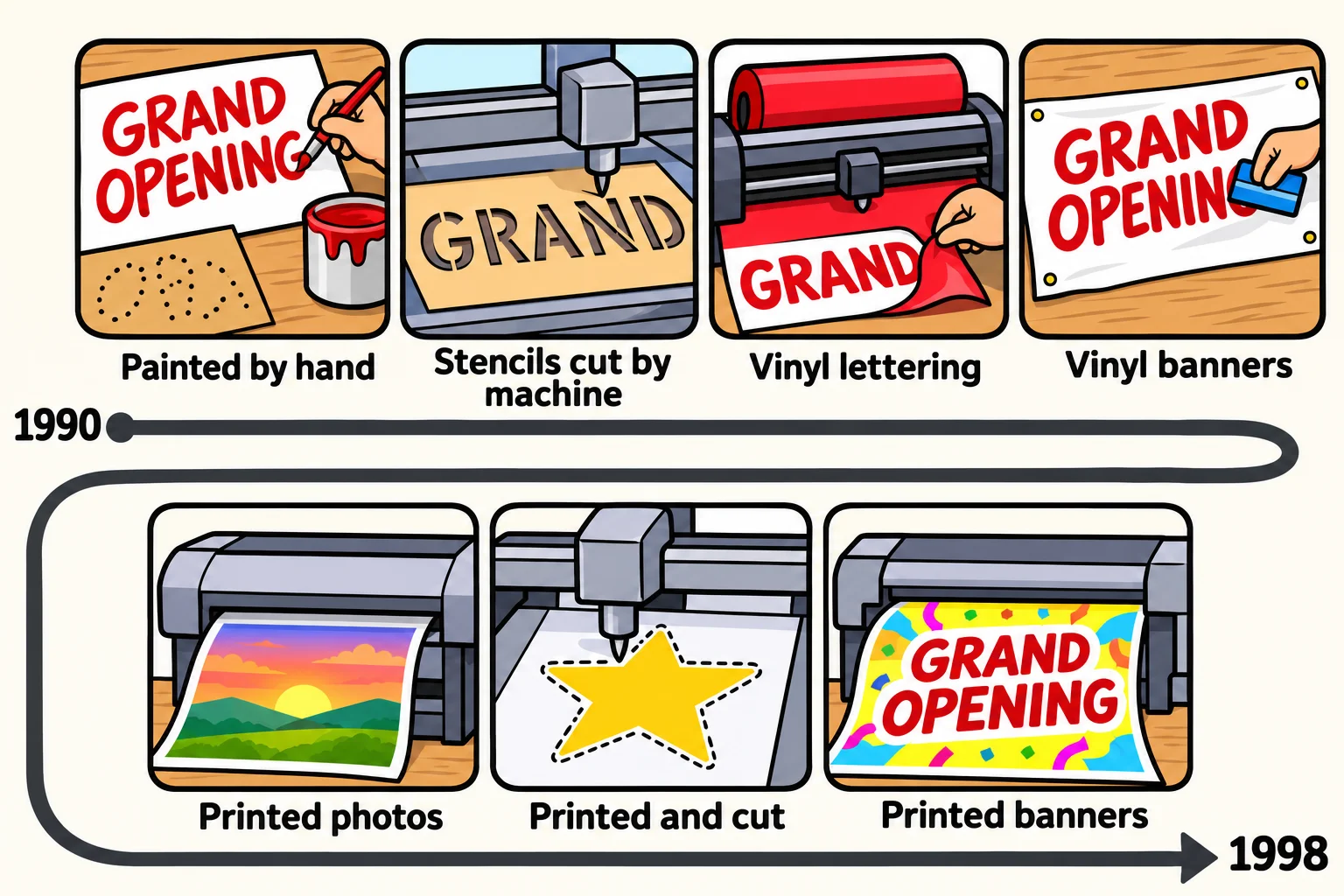
Then the machines came, one after another. First, a machine that cut our stencils for us. Next came vinyl cutters, for the detailed lettering we used to paint, and before long we were cutting vinyl for whole banners too. After that, we started printing: photos at first, and later pictures that a machine cut out along their edges. By the end, we were printing entire banners instead of sticking cut vinyl letters onto them.
Nobody stood up and announced that sign making was finished. It wasn't. People still needed signs, and they still came to us to make them. What changed was how we made them. If we hadn't changed with it, we'd have been too slow. The people who wouldn't adapt became less and less relevant.
Here's what didn't change: the design. Spacing, layout, how big a letter must be to read from across the street, which colors stand out and which disappear. The people who had learned those principles well moved from a pencil and a brush to Photoshop and Illustrator without much trouble. The tools were new. What they knew wasn't.
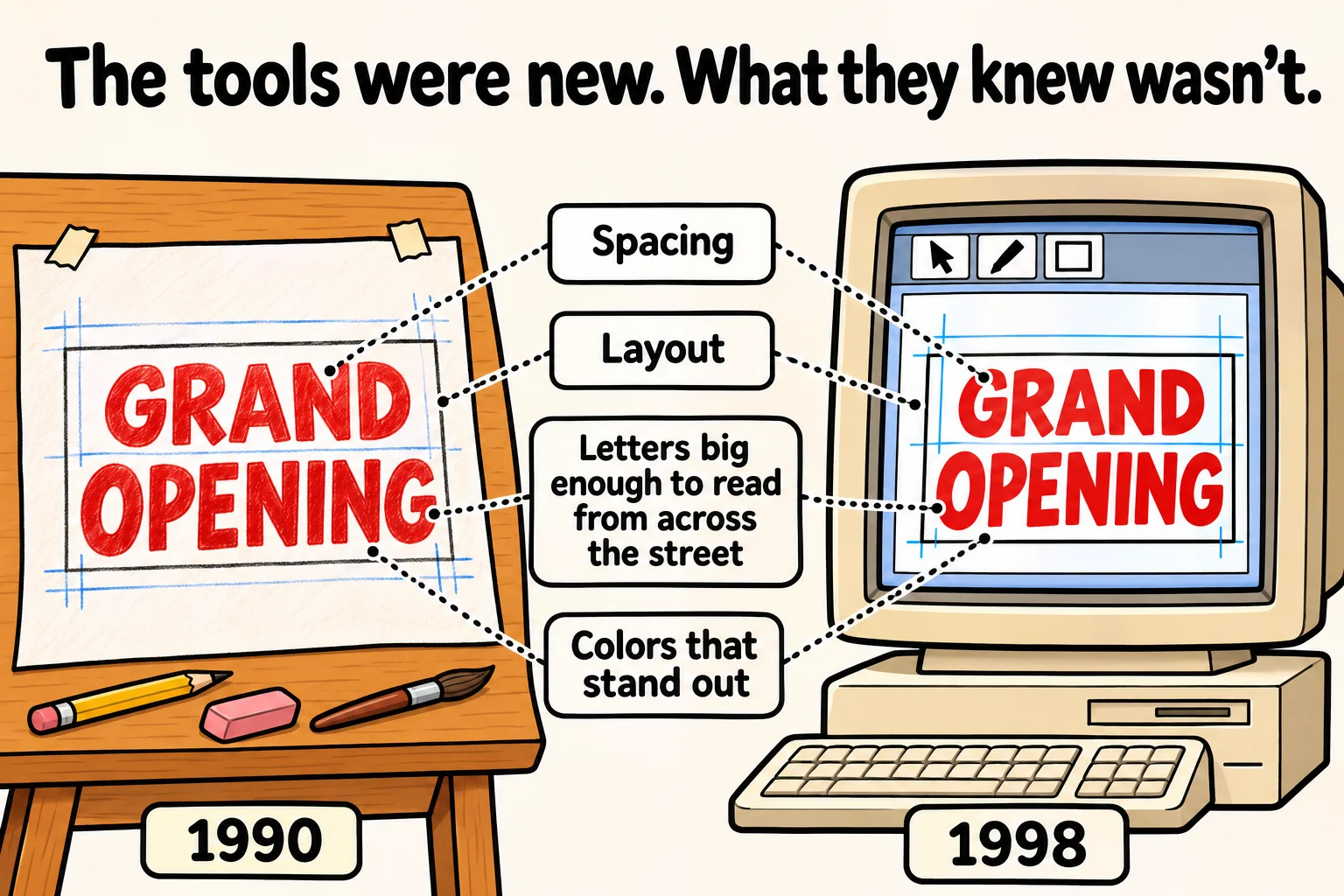
That's the lesson I've carried into teaching: the fundamentals stay relevant, even when the technology changes.
Software has been through the same thing again and again. In the late 1950s, COBOL was designed to read like plain English, so that managers, not just programmers, could read and understand it. Later came drag-and-drop website builders, then "no-code" app makers, then websites where you could copy an answer to almost any programming problem. Each time, people asked the question you might be asking right now.
And each time, the world ended up with more software, and more people were needed to build it, fix it and keep it running. The tools changed what the work looked like. They didn't make the work go away.
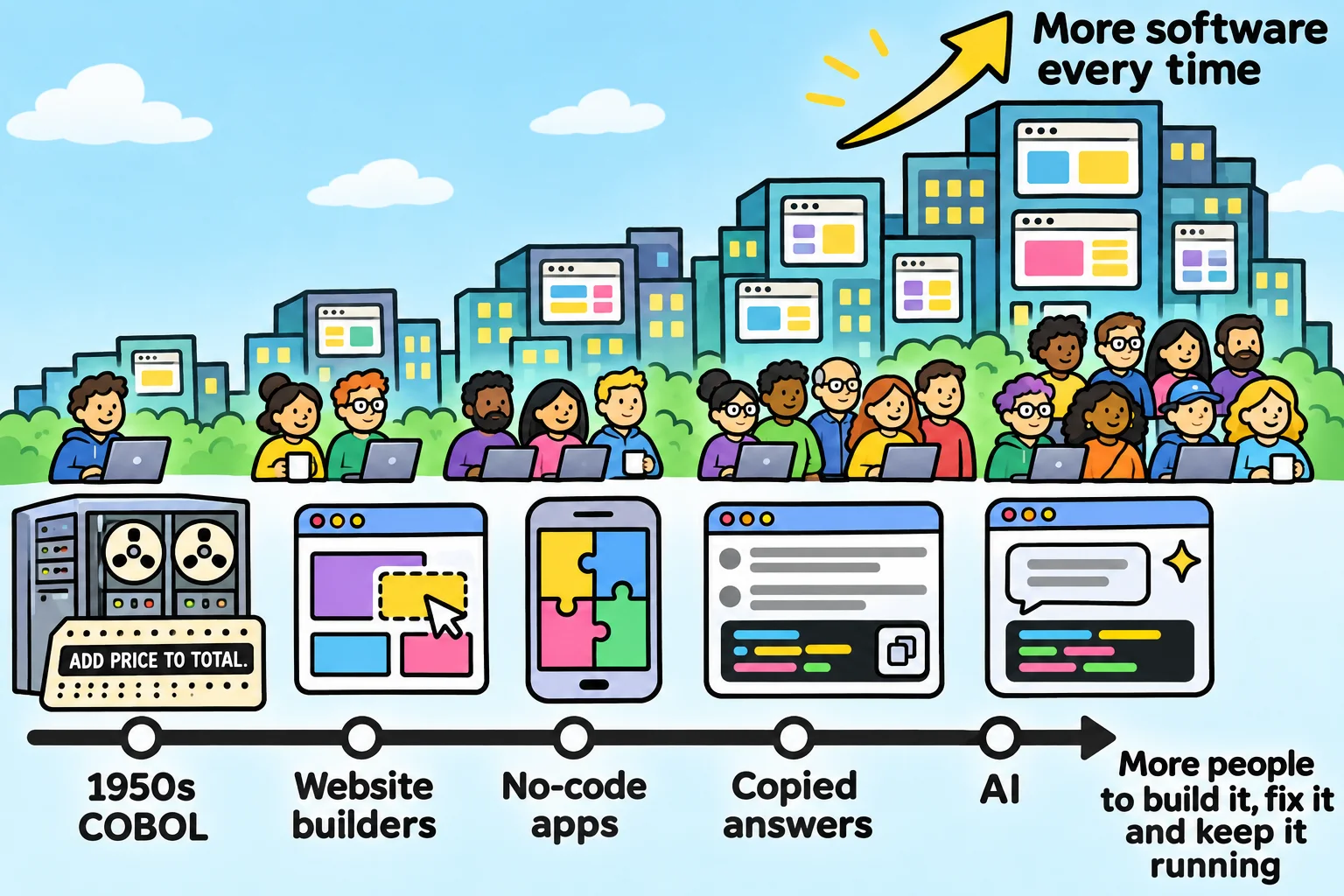
AI is the newest machine in the shop, and the biggest one so far. It really has changed how developers work, and I use it every day. Developers who learn to use it well will work faster. But the ones who thrive will be the ones who know the fundamentals underneath, just as the sign makers who knew design did.
Typing was never the hard part
A nail gun drives nails much faster than a hammer. Nobody thinks it makes the carpenter unnecessary. The carpenter is still the one who knows where the wall goes, whether it will carry the weight, and what to do when the floor isn't level.
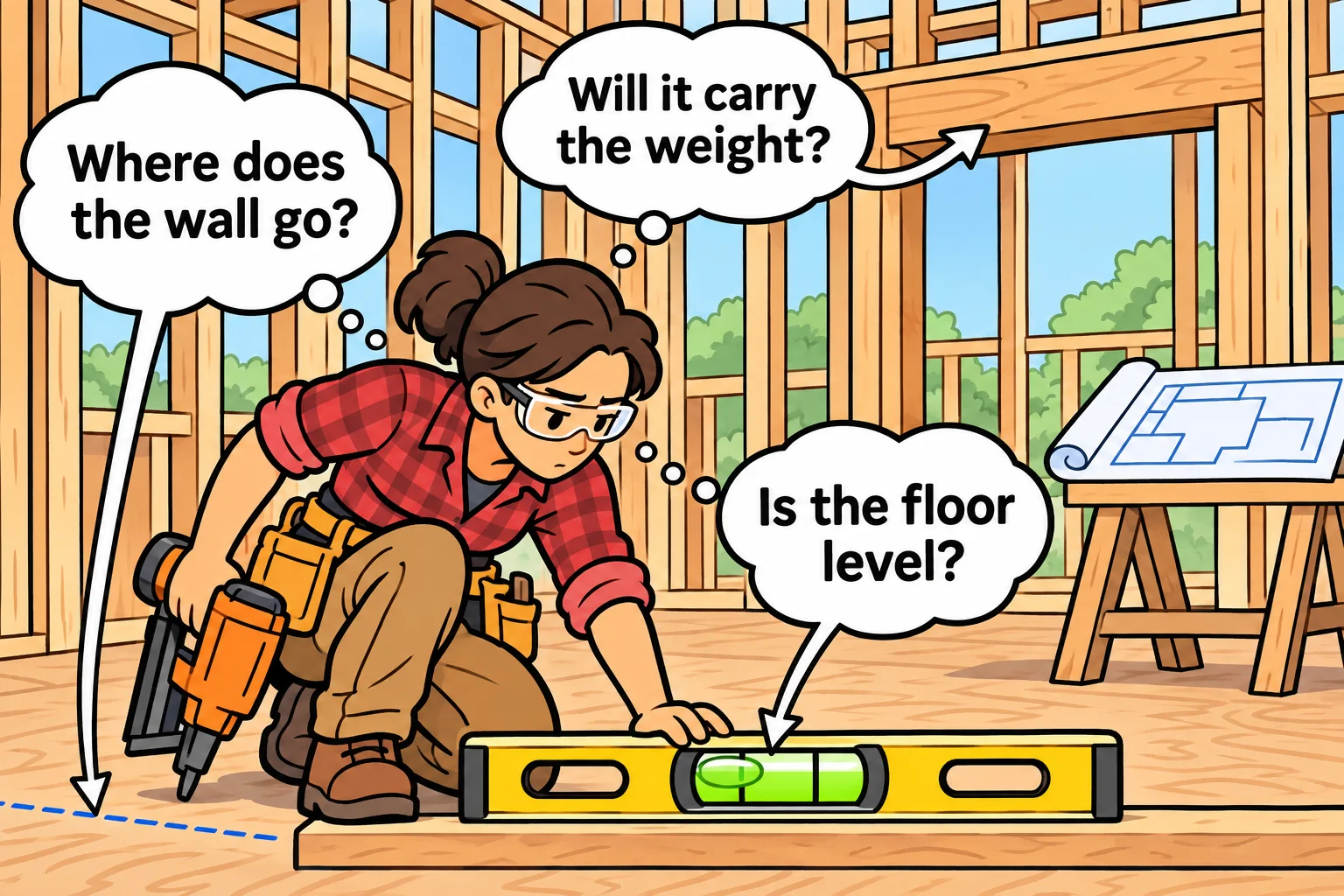
Code is the same. Very little of a developer's day is spent typing. Most of it goes to:
- figuring out what people actually need, which is rarely what they first ask for
- breaking one big, scary problem into small, solvable ones
- choosing between two ways of doing something, and knowing what each will cost later
- finding out why something that worked yesterday doesn't work today
- reading code someone else wrote, and changing it without breaking anything
Faster tools speed up the typing. Everything on that list is still yours to do, and it's the part employers pay for.
Someone has to answer for the code
There's a slide credited to a 1979 IBM training session that says:
A computer can never be held accountable, therefore a computer must never make a management decision.
Nobody has found the original page, not even IBM's own archives. But the line has stuck, because it has never been more true.
When an online store charges a customer twice, nobody calls the tool that helped write the checkout page. When a login page leaks passwords, the tool doesn't sit in the meeting explaining what went wrong. A person gets that phone call. A person's name is on the change. A person explains what happened and how it will be fixed.
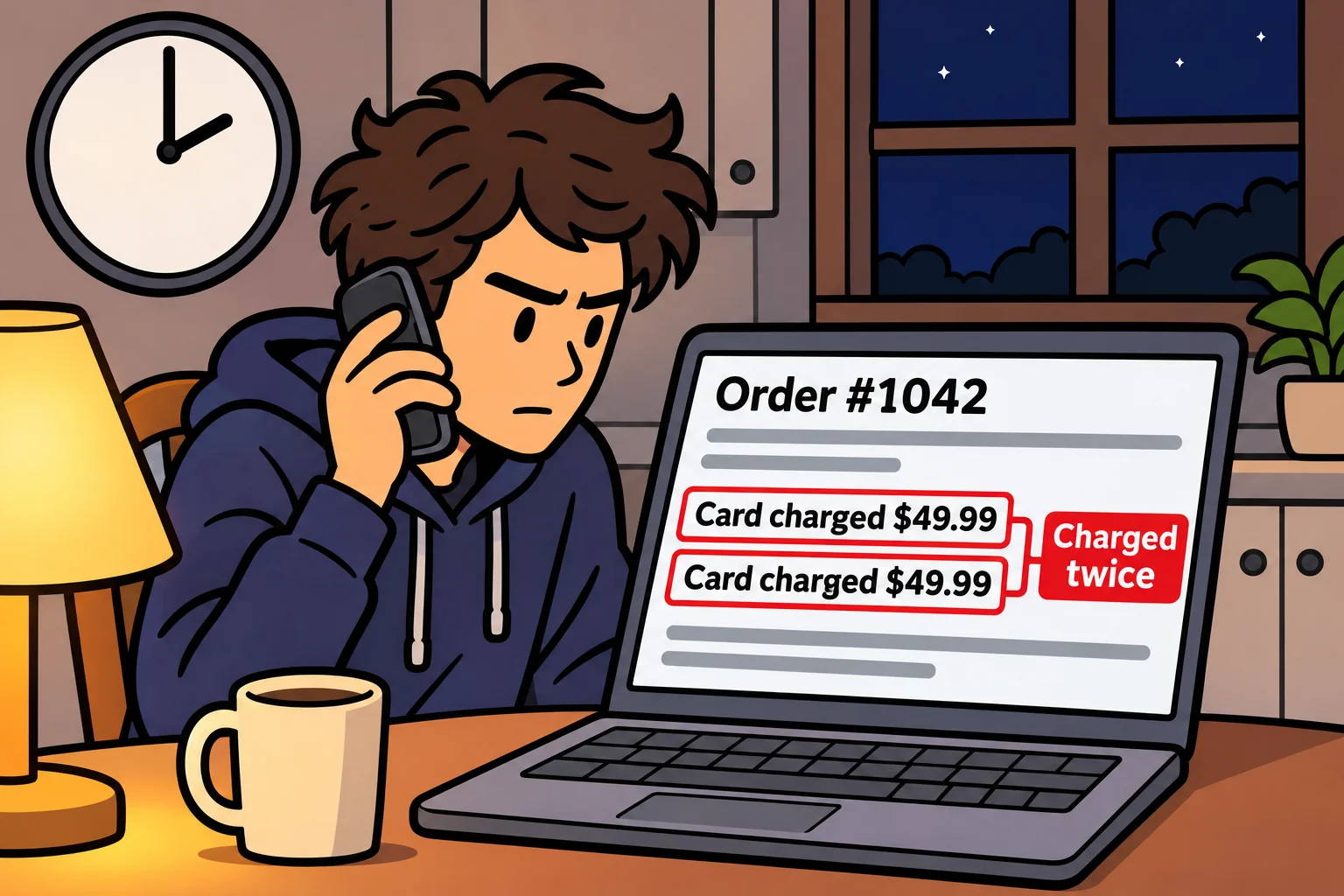
That person is the developer.
"The tool wrote it" isn't an answer anyone accepts. Not your manager, not your customers, and not you, once you've been through it. If you put code into a product, you own it. Every line, whether you typed it or not.
And here's the catch: you can't stand behind code you don't understand. That's why understanding code isn't a nice extra anymore. It is the job.
Reading code is a superpower
A home inspector can only tell you a house is safe because they know how houses are built. They know where water gets in, which walls hold the roof up, and what a bad wire looks like.
Reading code works the same way. To judge whether code is right, you need to be able to write it yourself. That's how you spot the missing check, the loop that runs one time too many, or the database query that's fast with ten rows and crawls with ten million.
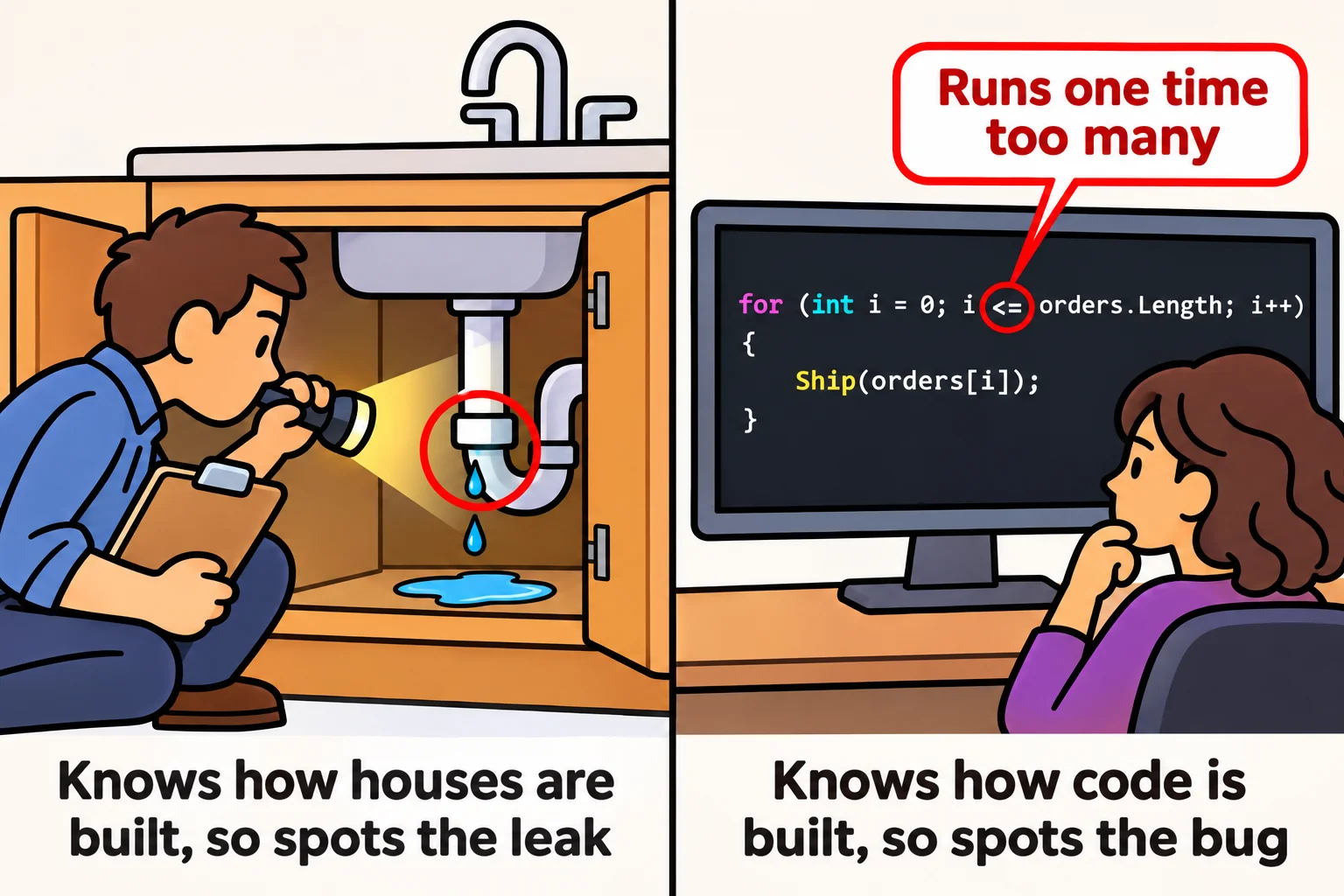
More code is being written today than ever before, so more code needs someone to read it. The developers who stand out are the ones who can look at a page of code, whether it came from a teammate, a tool, or themselves six months ago, and say "this is right" or "this will break, and here's where."
You don't get that skill by watching. You get it by writing code yourself, getting it wrong, and working out why.
Why it's still a great career
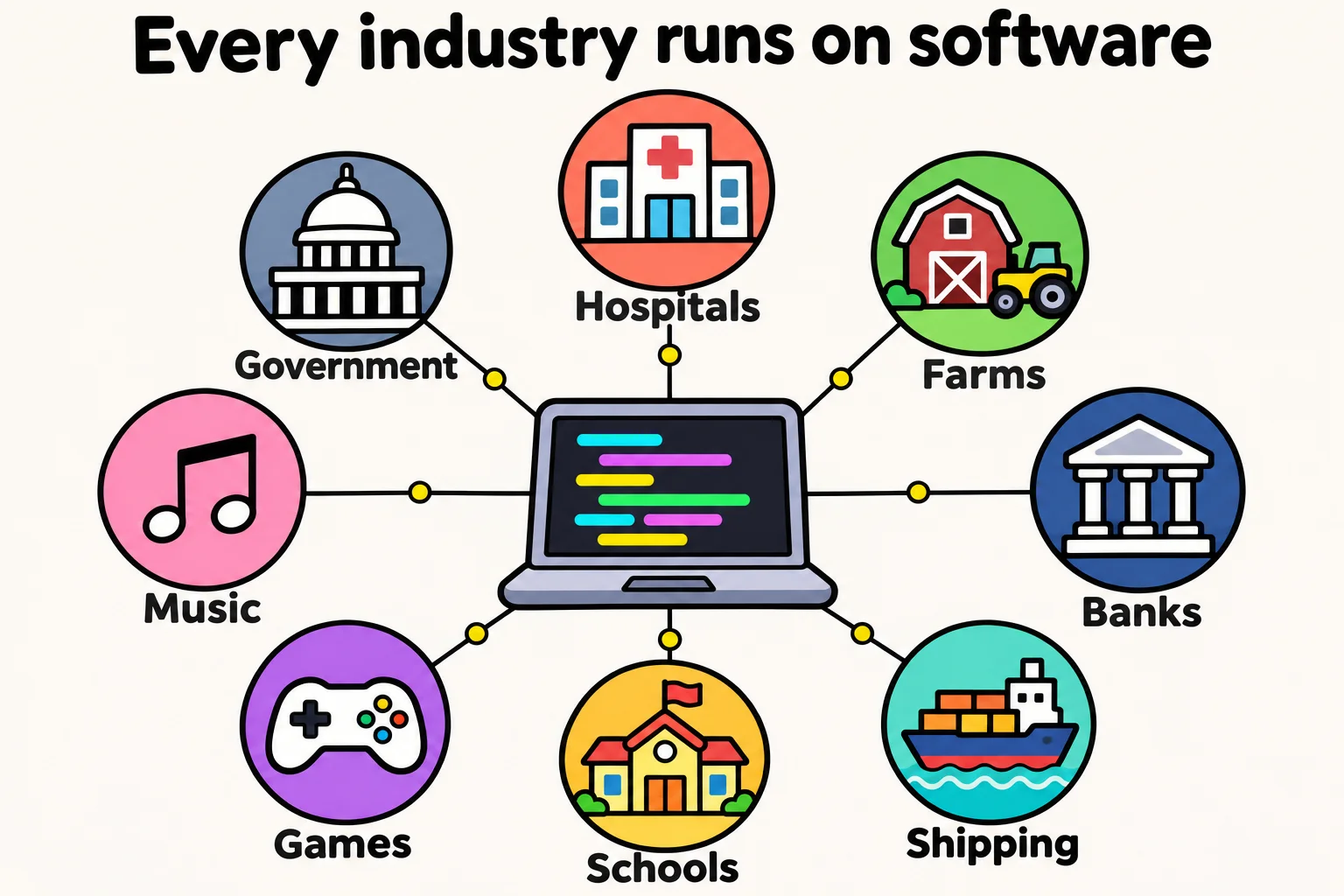
Every industry runs on software. Hospitals, farms, banks, shipping, schools, games, music, government. You can pick a field you care about and write code for it.
The problems don't run out. Every problem you solve shows someone the next thing they want. There's always more to build.
What you can do counts. Plenty of working developers didn't study computer science: in Stack Overflow's 2016 developer survey, fewer than half had a degree in computer science or a related field. Employers want to see what you can build and hear you explain how it works.
You get to make things. Few jobs let you have an idea in the morning and show someone a working version by the evening.
It grows with you. Developer, senior developer, team lead, architect, teacher, or your own business. The skills carry from one to the next.
I won't pretend it's easy. Learning to code takes months of steady practice, and landing the first job takes real effort. It always has. But it's effort that keeps paying you back for the rest of your working life.
How to learn it the right way
If you're starting now, here's what I'd tell you:
- Write the code yourself. Typing it, getting it wrong, and fixing it is how it sticks. The struggle isn't a sign you're bad at this. It's the learning happening.
- Read more code than you write. Open other people's projects. Ask yourself what each line does before you run it, then run it and see if you were right.
- Get comfortable with bugs. Every developer spends a lot of their time finding out why something doesn't work. The calm, step-by-step way of tracking a bug down is a skill, and you build it one bug at a time.
- Use tools as a tutor, not a ghostwriter. Ask them to explain an error, give you a hint, or quiz you. Don't ask them for the finished answer while you're still learning what the answer should look like.
- Build small, real things. A tip calculator. A page for a friend's business. A tracker for your workouts. Real projects teach you what exercises can't.
And before you call anything finished, ask yourself one question: could I explain every line of this to someone else? If the answer is yes, you're becoming a developer.
The bottom line
The tools will keep changing. They always have. What doesn't change is that the world runs on software, and software needs people who understand it: people who can build it, read it, fix it, and stand behind it.
That can be you.

Pick one small thing today. Write it yourself. Make it work. Then do it again tomorrow.
Sources
- Simon Willison, A computer can never be held accountable, February 3, 2025: the 1979 IBM slide, where it first appeared online, and why the original can't be found.
- I Programmer, Computer Languages by Committee: the 1960s: CODASYL's aim of a language that "could be read and understood by programmers and managers", made deliberately English-like.
- IBM, What is COBOL?, IBM Think: COBOL's English-like, readable design, its 1959 committee and its first version in 1960.
- Stack Overflow, Developer Survey Results 2016, Education: 43% of developers had a BA or BS in computer science or a related field.
Tags: careers, learning-to-code