Editing in the Terminal: nano
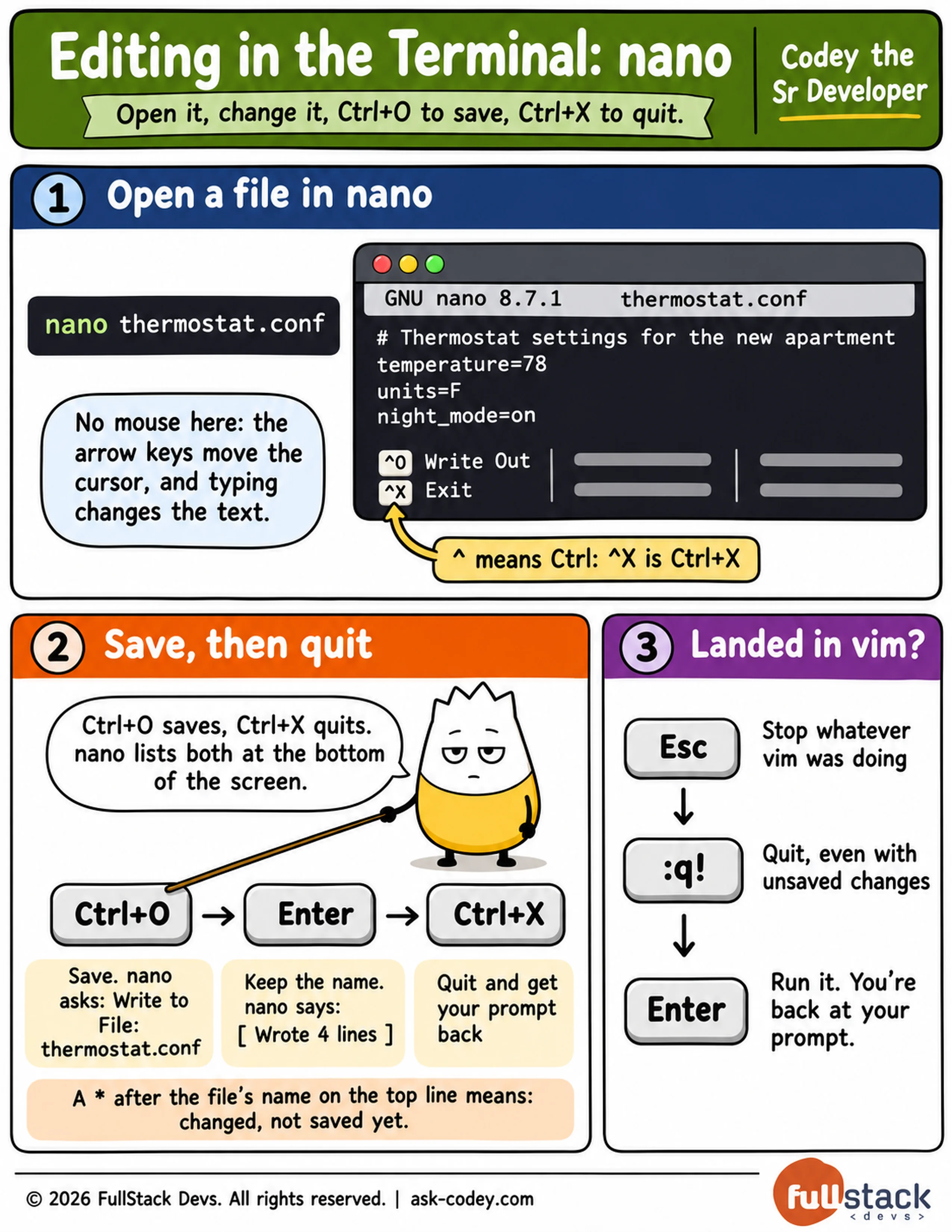
nano is a text editor that runs inside the terminal, where you open a file with nano and its name, move with the arrow keys, save with Ctrl+O and quit with Ctrl+X; and if vim opens by accident, Esc and then :q! get you out.
Updated
- Category
- Bash
- Level
- Novice
- Tags
- configuration-file, linux, text-editor, unix