Your First Notebook in VS Code
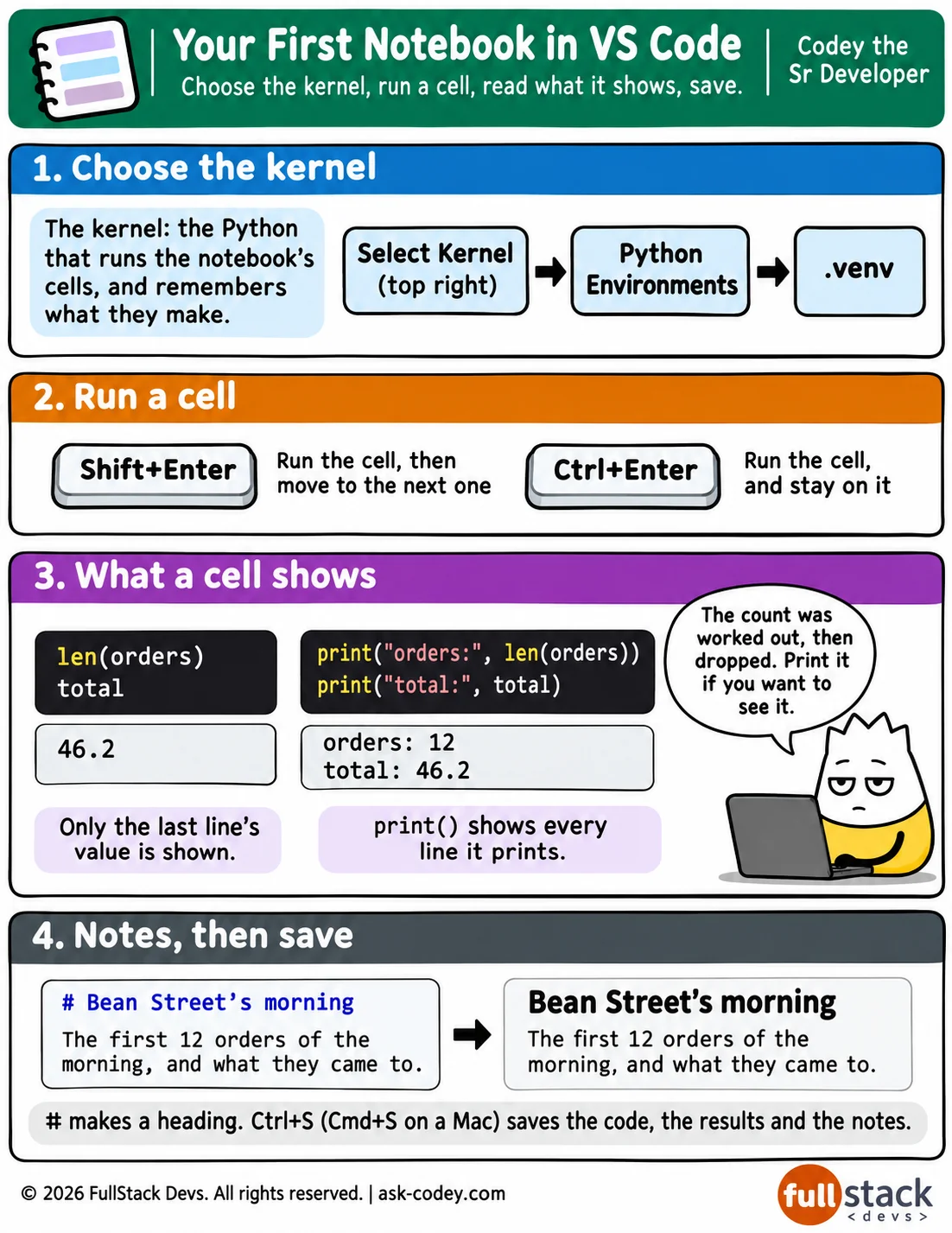
Make a notebook in VS Code, choose the project's .venv Python as its kernel, run code cells with Shift+Enter, see that a cell shows its last line's value while print() shows every line it prints, add a Markdown cell, and save the code, results and notes in one .ipynb file.
Updated
- Category
- Data Analysis
- Level
- Novice
- Tags
- Kernel (python), Markdown, Notebook (python), Notebook Cell, print(), python