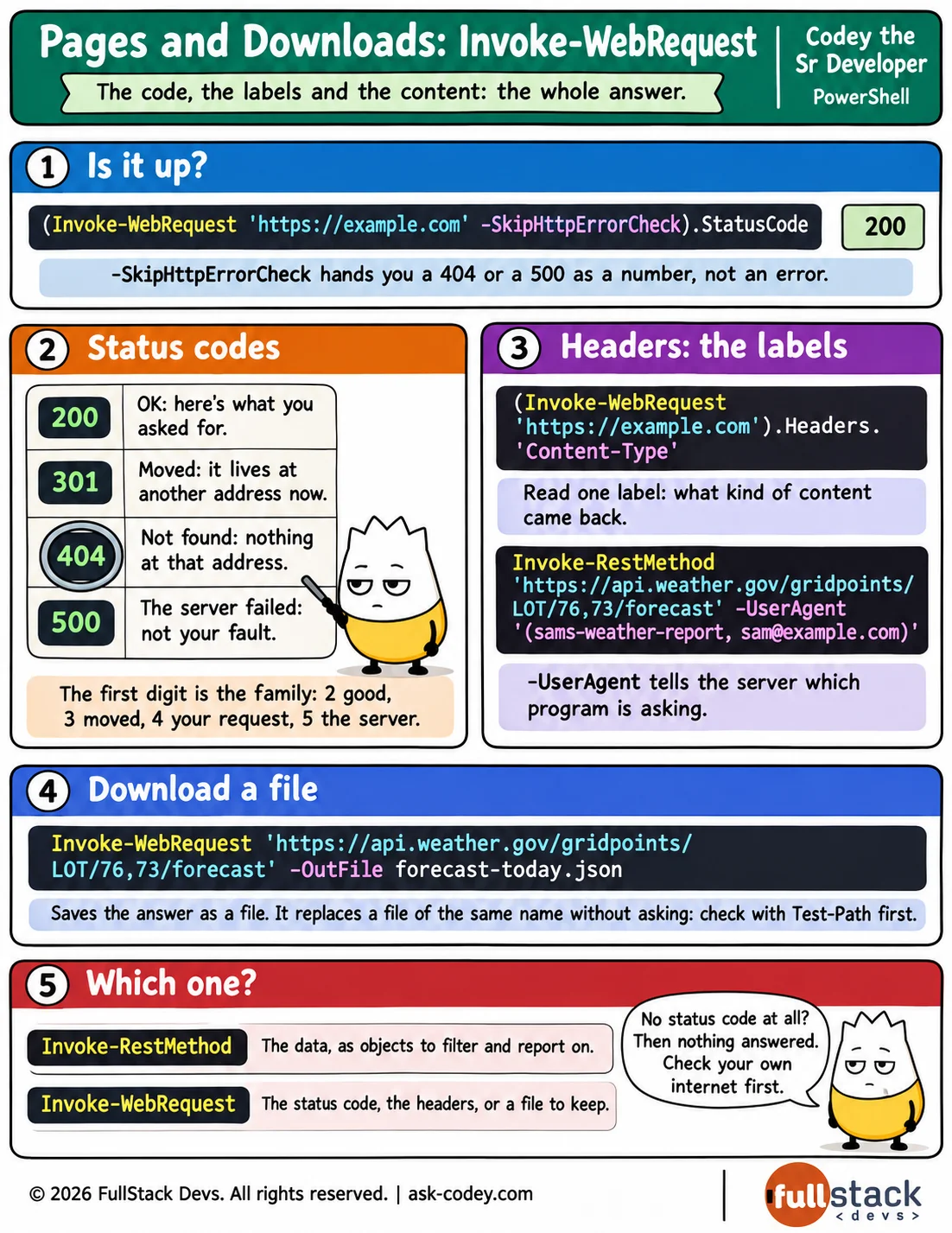
Pages and Downloads: `Invoke-WebRequest`
Invoke-WebRequest gives you the whole answer from a web address, not only its data, so you can read the status code that says whether a page is there, read the headers that describe it, and save what it sends as a file with -OutFile.
Updated
- Category
- PowerShell
- Level
- Journeyman
- Tags
- <header>, HTTP, invoke-webrequest, powershell, Status Code