The Registry as a Drive
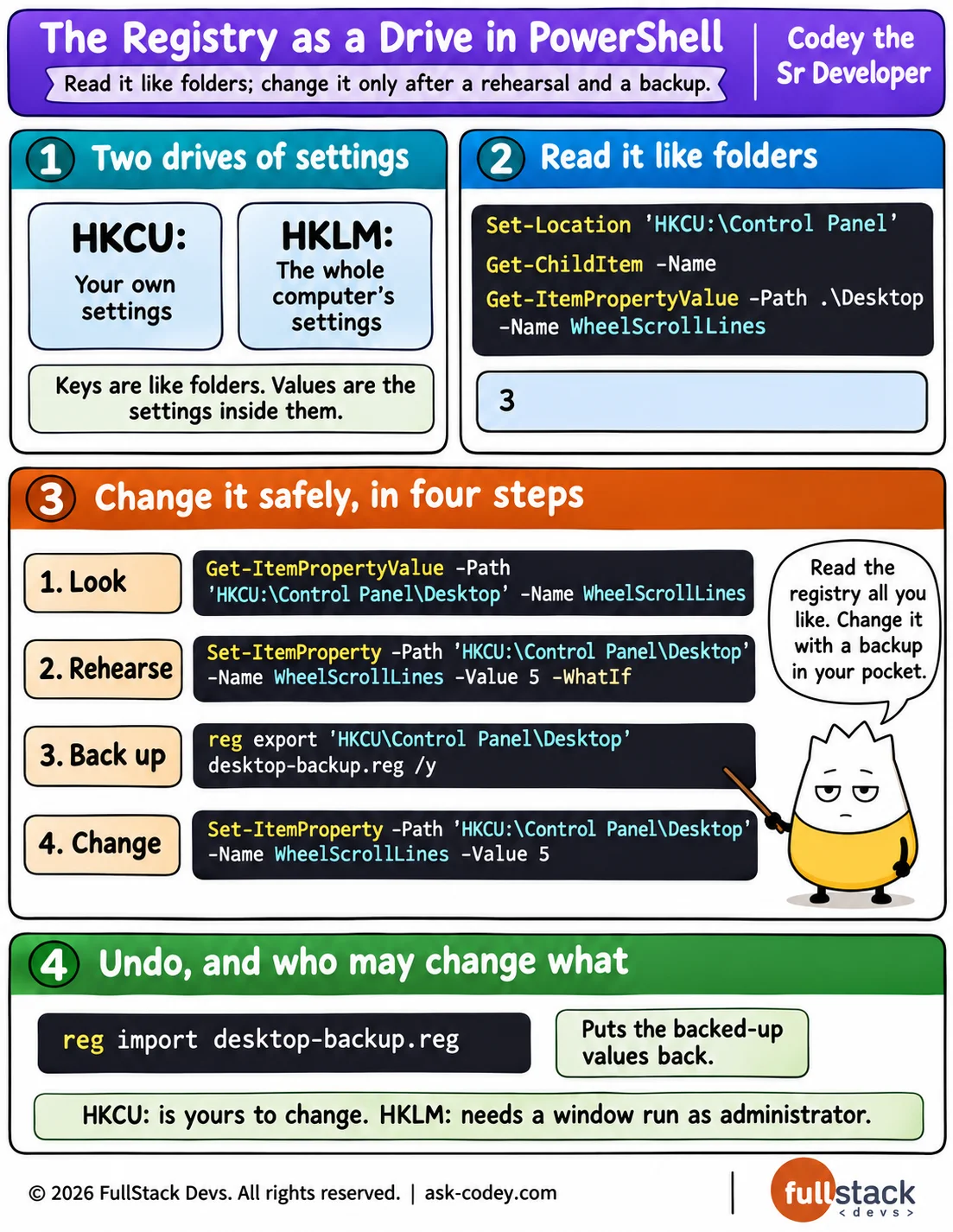
The registry is where Windows and its apps keep their settings, and PowerShell shows it as two drives, HKCU: for your own settings and HKLM: for the whole computer, where Get-ChildItem lists keys like folders and Get-ItemProperty reads their values; before changing one, rehearse with -WhatIf and back up the key with reg export.
Updated
- Category
- PowerShell
- Level
- Freelancer
- Tags
- get-itemproperty, operating-system, powershell, provider-and-drive, registry-key, whatif-and-confirm, windows-registry