`-WhatIf` in Your Own Tools
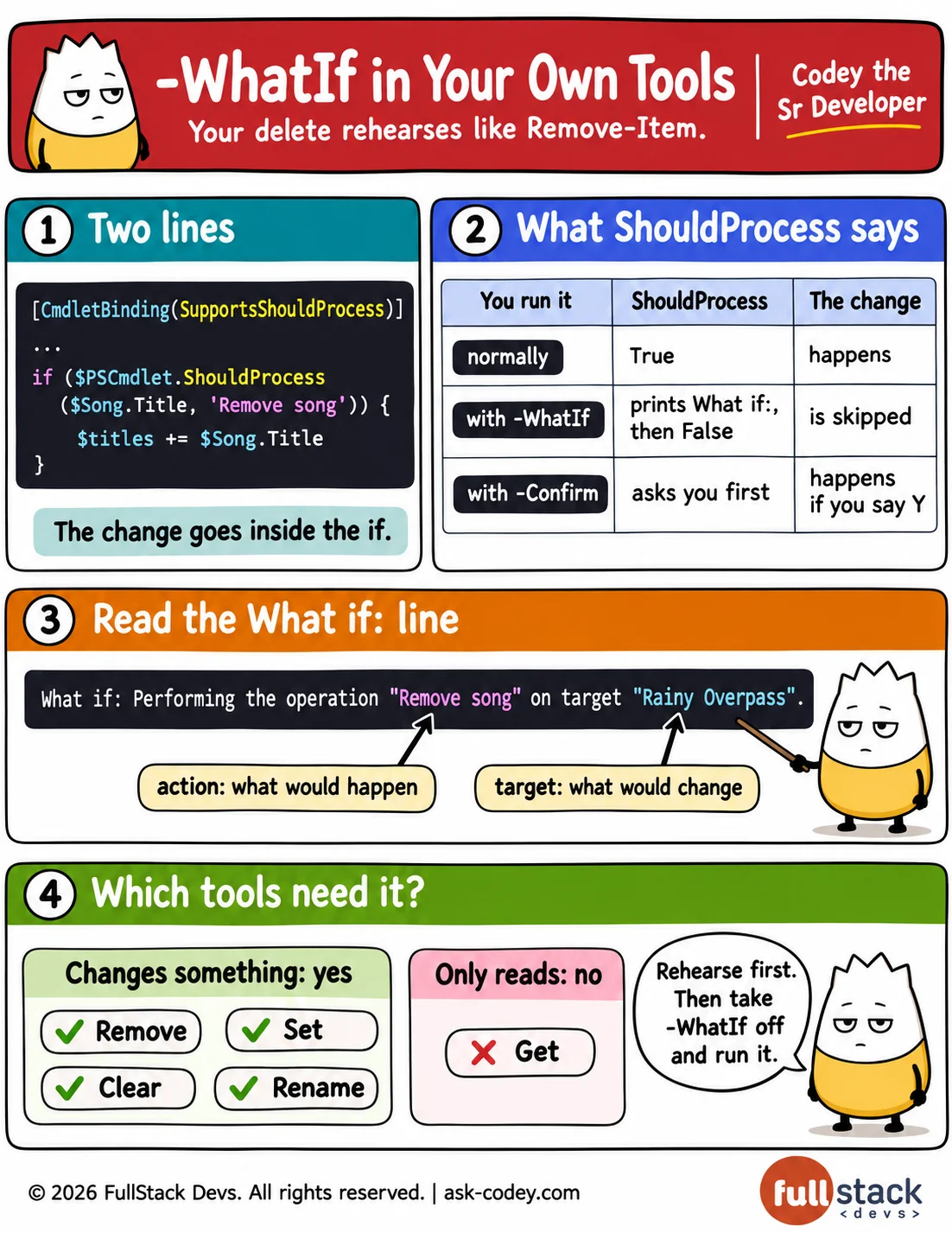
SupportsShouldProcess in [CmdletBinding()] gives a function -WhatIf and -Confirm, and wrapping each change in if ($PSCmdlet.ShouldProcess(target, action)) makes it print a What if: line instead of changing anything, or ask before each change, exactly like Remove-Item.
Updated
- Category
- PowerShell
- Level
- Freelancer
- Tags
- advanced-function, powershell, shouldprocess, supportsshouldprocess, whatif-and-confirm