Static
Static is the default position, where elements sit in the normal flow of the page and top and left don't move them.
Apprentice · CSS · Updated
After this lesson you can
- Explain how the default static position lays out elements, and why top and left don't move them
Key takeaways
- The CSS position property has five values, static, relative, absolute, fixed and sticky, and static is the default.
- A static element sits in the normal flow of the page. Block elements, such as a div, each take their own line.
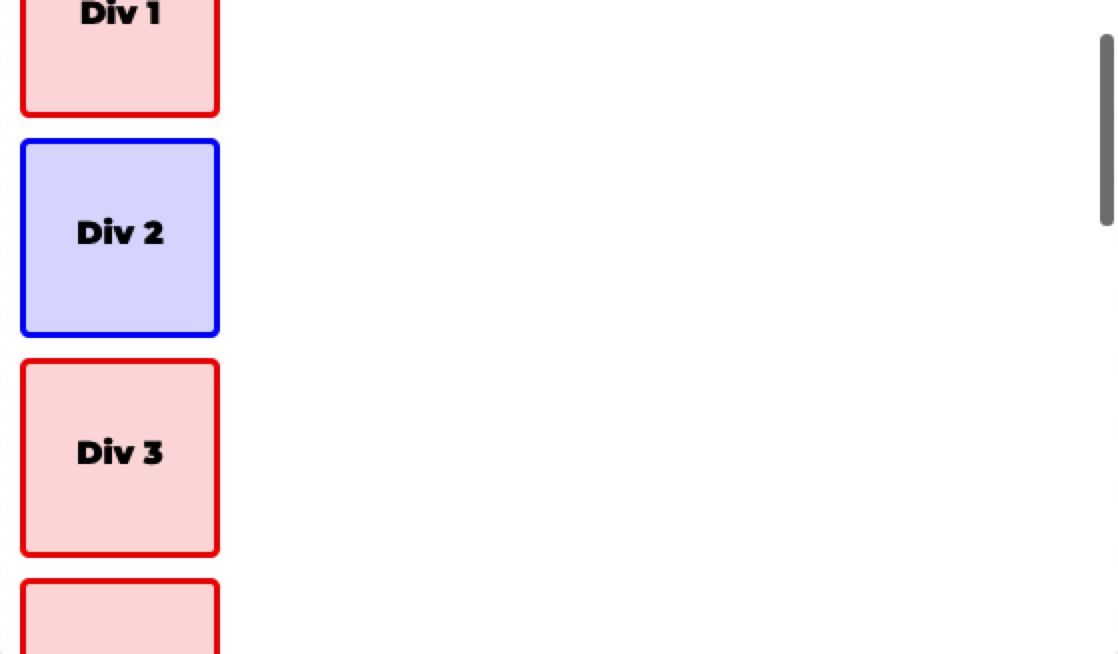
- The top and left properties have no effect on a static element, and it scrolls with the rest of the page.
The CSS position property places an element in one of five ways: static, relative, absolute, fixed or sticky.
static is the default positioning used when a browser lays out the page, in what's called the normal flow. Block elements, such as a div, each start on their own line and take up the space of their own height, and the next element is placed on the line below. The left and top properties have no effect on a static element. The offsets top, right, bottom and left only work on a positioned element, one whose position is anything other than static.
.div-2 {
    /* no position is set, so it's static */
    left: 30px;
    top: 30px;
}
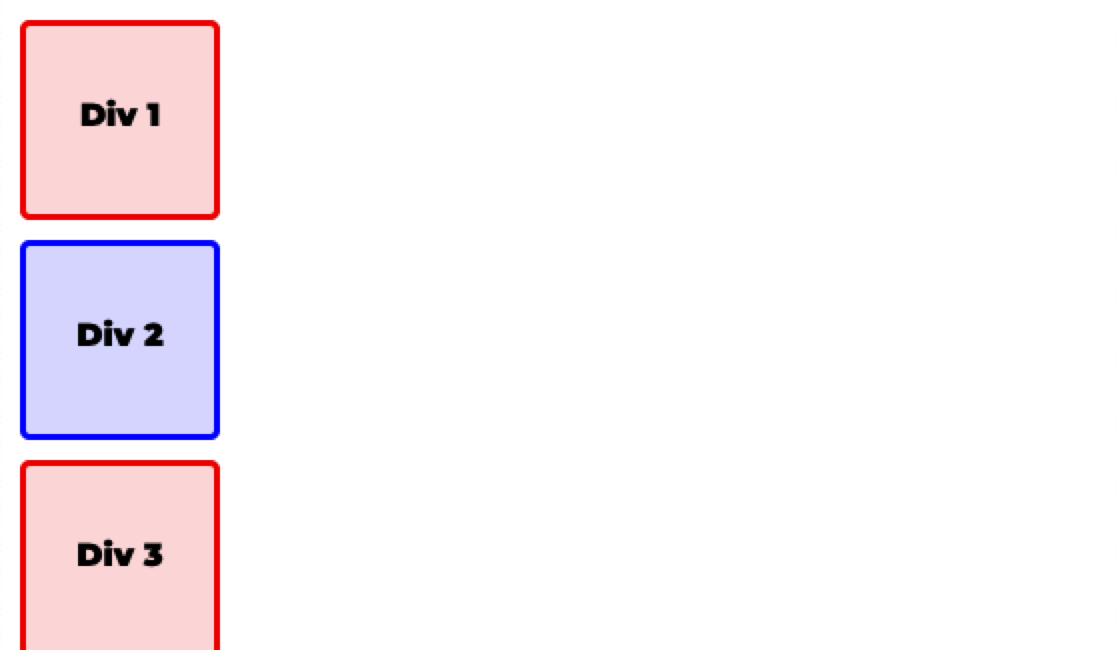
As the page is scrolled, all elements scroll together.
Check yourself
2 questions to try on the lesson page.
So what
Every element starts out static, so the normal flow is the baseline: each of the other four position values is a change to it.