# Who Accessibility Helps
Accessibility means people can use your page however they browse, and it helps far more people than you might think, from a screen-reader user to someone holding a baby in one arm.
Apprentice · HTML · Web Development · Updated October 31, 2026
## After this lesson you can
- Explain who accessibility helps, with permanent, temporary and situational examples
- Name the tools people use to browse, such as screen readers, the keyboard, switches, zoom and captions, and what each needs from a page
- Explain what WCAG is and why laws such as the ADA and the European Accessibility Act matter to a website
## Key takeaways
- Accessibility means everyone can use a page, whether they see it, hear it, tap it, type on it or listen to it.
- Disabilities can be permanent, temporary or situational, so the same fix helps someone born blind, someone with a broken arm and someone in bright sun.
- People browse with screen readers, the keyboard alone, switch devices, zoom and captions, and each one needs something from your HTML.
- WCAG, the Web Content Accessibility Guidelines, is the rulebook that laws and companies point to.
- Laws such as the ADA, Section 508 and the European Accessibility Act are why many sites must be accessible.
Sooner or later, someone asks you to make a page accessible. It might be a line in a class project's grading sheet, a ticket at work that says "fix the accessibility issues before launch", or an email from a customer who couldn't buy something on your site. This chapter gets you ready for that moment, using a made-up movie theater, the **Starlight Cinema**: its showtimes, its "Buy tickets" buttons, its newsletter sign-up and its trailer. By the end you can find what stops people on a page like that, and fix it.
## Curb cuts: built for some, used by everyone
Look at the corner of almost any sidewalk. The curb dips down to the street. Those dips, called **curb cuts**, were fought for by wheelchair users. Now watch who uses them: parents with strollers, travelers with rolling suitcases, kids on bikes, delivery workers with carts. Something built for a few people turned out to help almost everyone.
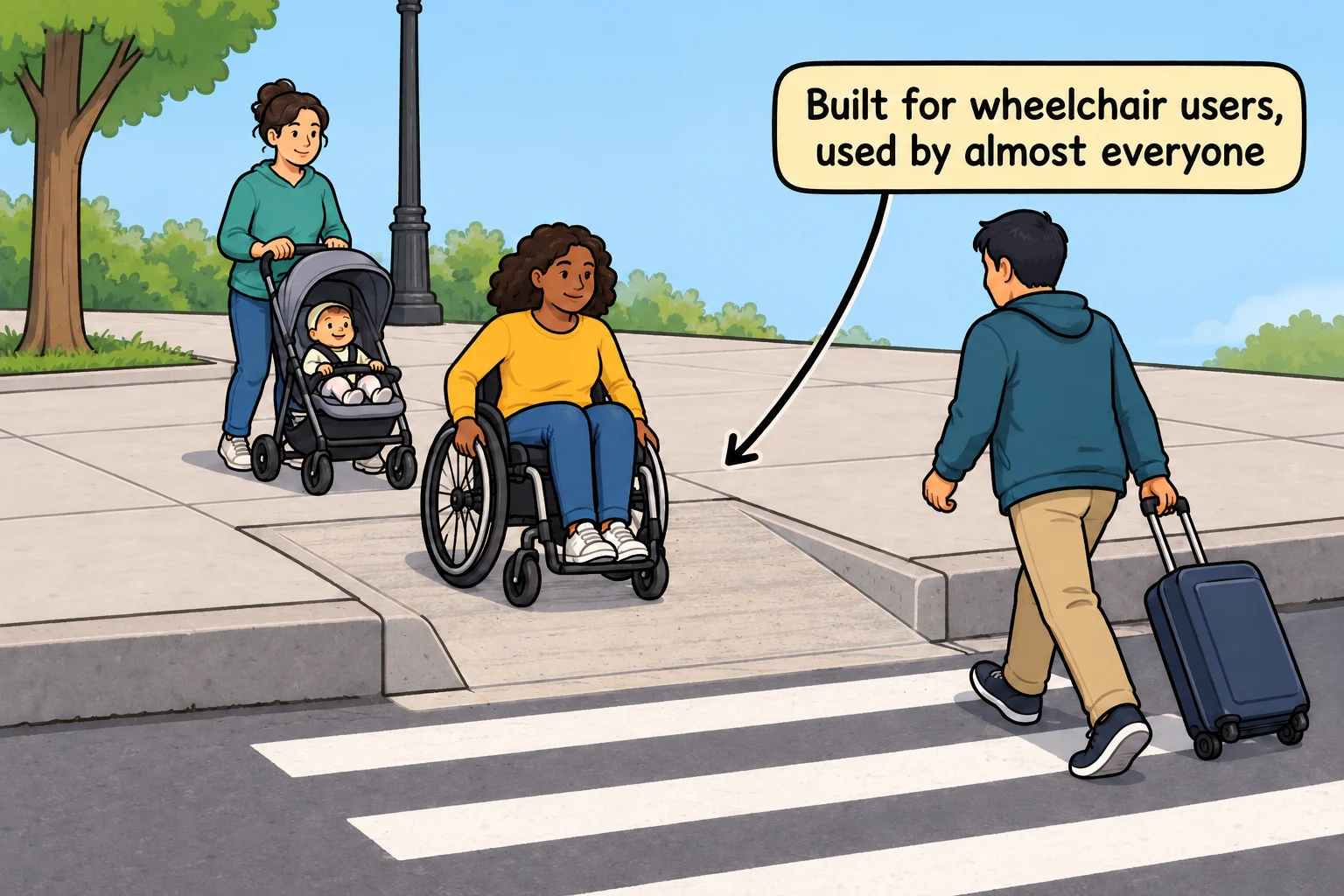
Web pages work the same way. **Accessibility** means building a page so people can use it however they browse: by seeing it, hearing it, tapping it, typing on it or listening to it. In writing it's often shortened to **a11y** ("a", then 11 letters, then "y"; some people say it "a-eleven-y").
Here's the Starlight Cinema's newsletter box, built two ways. Both look almost the same on a screen:
```html
```
The second one helps a blind visitor whose screen reader reads the label aloud, someone with shaky hands who gets a bigger target to click, and anyone who forgets what the box was for halfway through typing. That's a curb cut.
## Permanent, temporary and situational
When people hear "disability", they often picture a wheelchair. Accessibility is wider than that. A helpful way to see it is in three kinds:
| What stops them | Permanent | Temporary | Situational |
|---|---|---|---|
| Can't use one arm | Born with one arm | A broken wrist in a cast | Holding a baby in one arm |
| Can't see the screen well | Blind, or low vision | Eyes dilated after an eye exam | Bright sun glaring on a phone |
| Can't hear the sound | Deaf | An ear infection | A noisy bus, or a sleeping roommate |
| Can't focus for long | ADHD | A migraine, or very little sleep | A toddler asking questions while you type |
A **permanent** disability lasts a lifetime. A **temporary** one goes away, but it's real while it lasts. A **situational** one isn't a disability at all: it's the moment you're in. The same fix serves all three. Captions on the Starlight Cinema's trailer help a Deaf moviegoer, someone with an ear infection, and someone watching on a quiet train with no headphones.
The World Health Organization estimates that 1.3 billion people, about one in six people in the world, live with a significant disability ([WHO, 2023](https://www.who.int/news-room/fact-sheets/detail/disability-and-health)). Add everyone with a temporary or situational one, and that's everyone, at some point, you included.
**Try it.** Use your favorite shopping or news site for two minutes with one hand behind your back, or outside in the sun on your phone. Write down the first thing that gets in your way.
## The tools people browse with
People who can't use a page the usual way use tools that change how they meet it. In your textbook these may be called **assistive technology**.
| Tool | Who uses it | What it needs from your HTML |
|---|---|---|
| A **screen reader** reads the page aloud, or shows it on a braille display | Blind and low-vision people | Alt text on pictures, real headings, labels on form fields, links and buttons that say what they do |
| **The keyboard alone** (Tab to move, Enter to choose) | People who can't use a mouse, and fast typists | Real links and buttons, which the keyboard can reach, and a visible ring around what's chosen |
| A **switch device**: one or two big buttons, pressed with a hand, a foot or a head movement | People who can move very little | The same as the keyboard: a switch steps through the page the way Tab does |
| **Zoom** and screen magnifiers | Low-vision people, and anyone without their glasses | A page that still works when everything is twice as big |
| **Captions** and transcripts | Deaf and hard-of-hearing people, and anyone with the sound off | A captions track on every video, and a transcript for audio |
| **Voice control** ("click Buy tickets") | People who can't use their hands | Buttons and links whose names match the words on them |
Most of these tools ask for the same thing: HTML that says what each part of the page *is*. A `