The Power of CSS
CSS Zen Garden shows one HTML page styled many completely different ways, proof of how much CSS alone can change.
Novice · HTML · CSS · Updated
After this lesson you can
- Explain how changing only a page's CSS file can give the same HTML a completely different design
Key takeaways
- CSS Zen Garden shows one HTML page with many completely different designs.
- Every design uses the same HTML. Only the CSS file changes.
- Without CSS, a page shows its content top to bottom in the browser's plain default style.
- You can download a design's HTML and CSS and change only the CSS to learn how it was made.
The CSS Zen Garden is a website aimed at helping to demonstrate how HTML and CSS can work together to create many stunning designs (https://csszengarden.com).
The site was created to help designers share their designs, and to teach developers and designers how to use CSS in their websites.
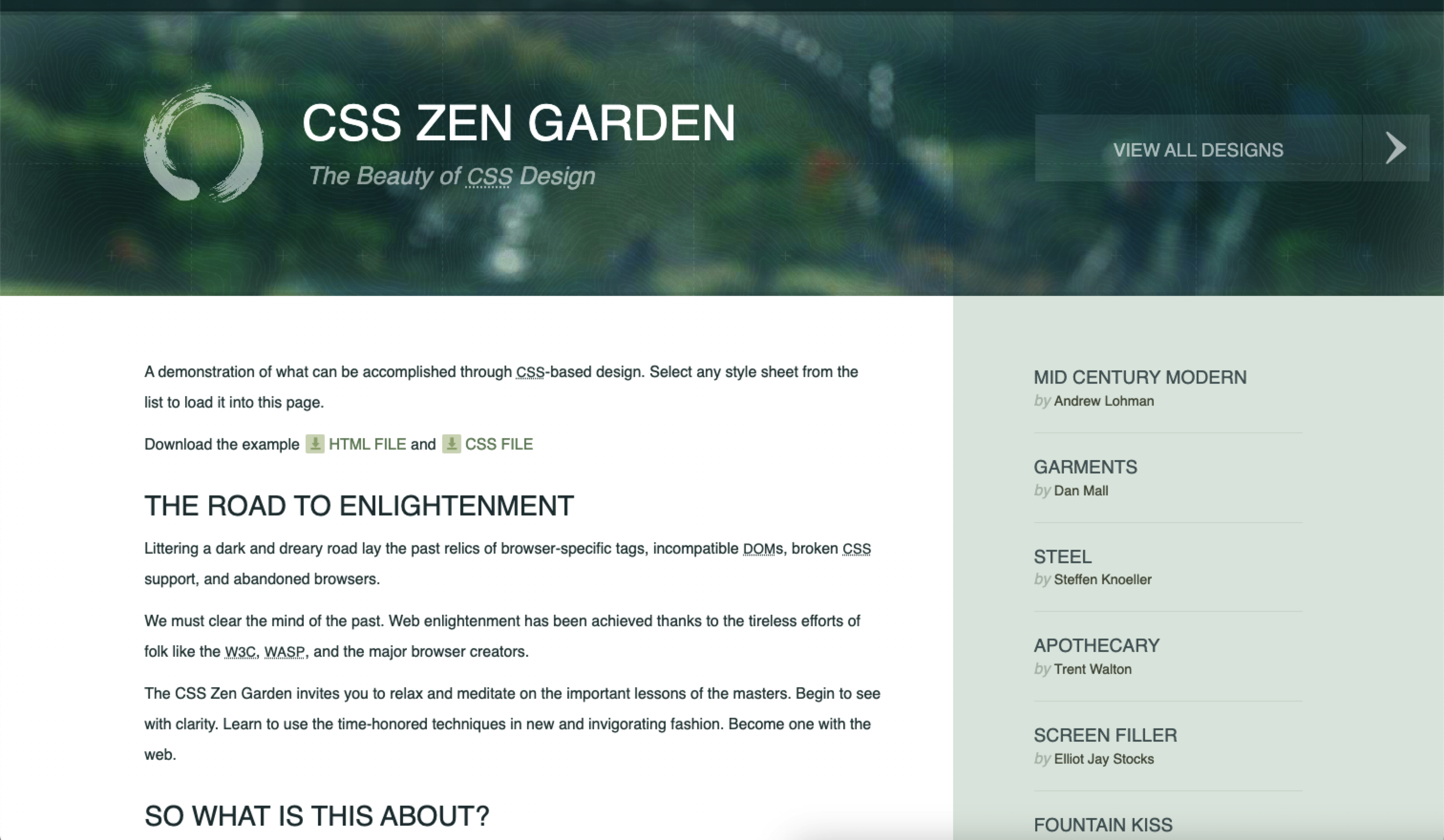
The home page has a clean design with text that describes the purpose and mission of the site.
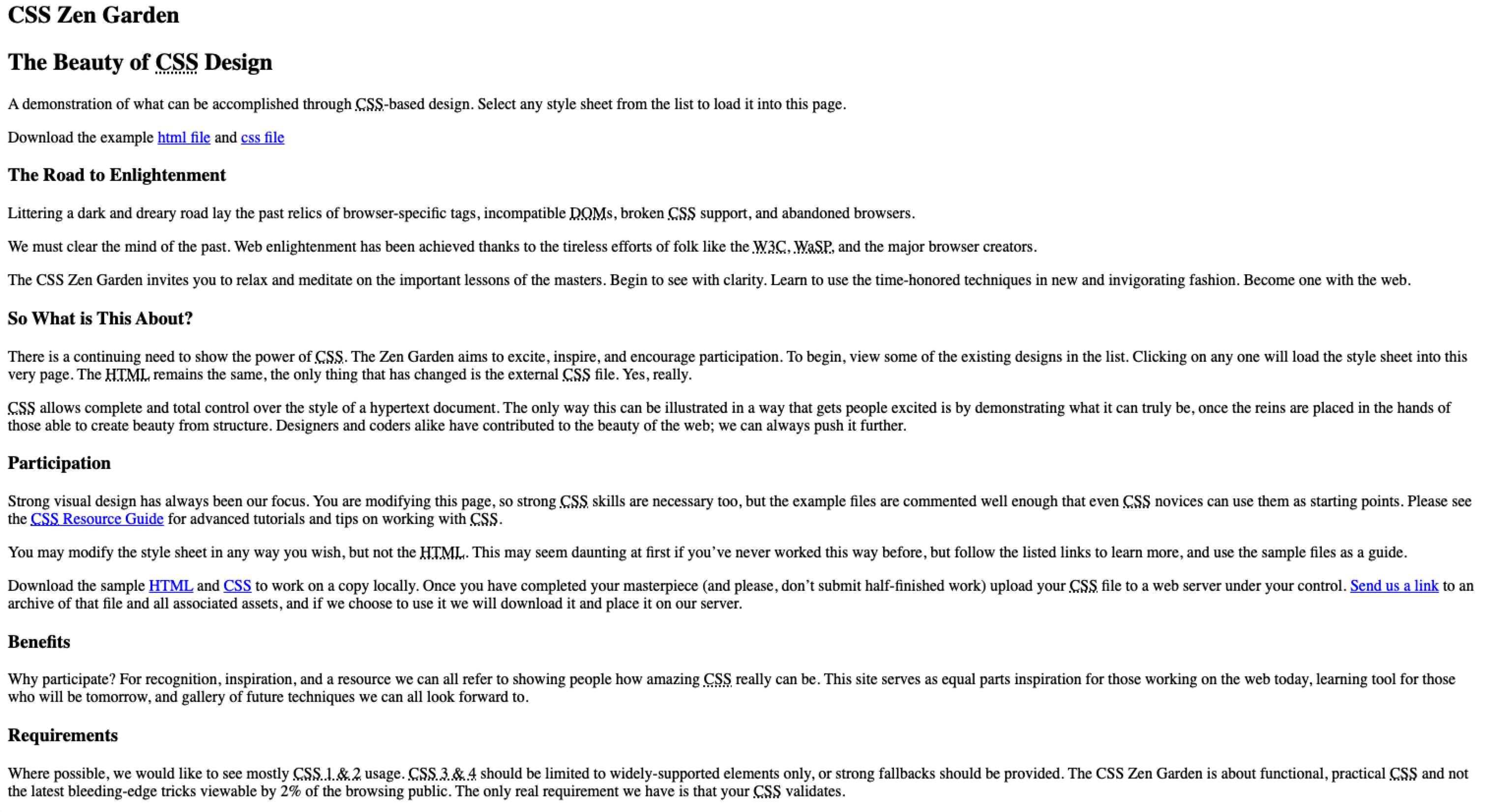
Zen Garden without CSS
Below is the same website, but without the beauty of CSS formatting. It is just a regular HTML page with content without any styling (it isn't particularly attractive).
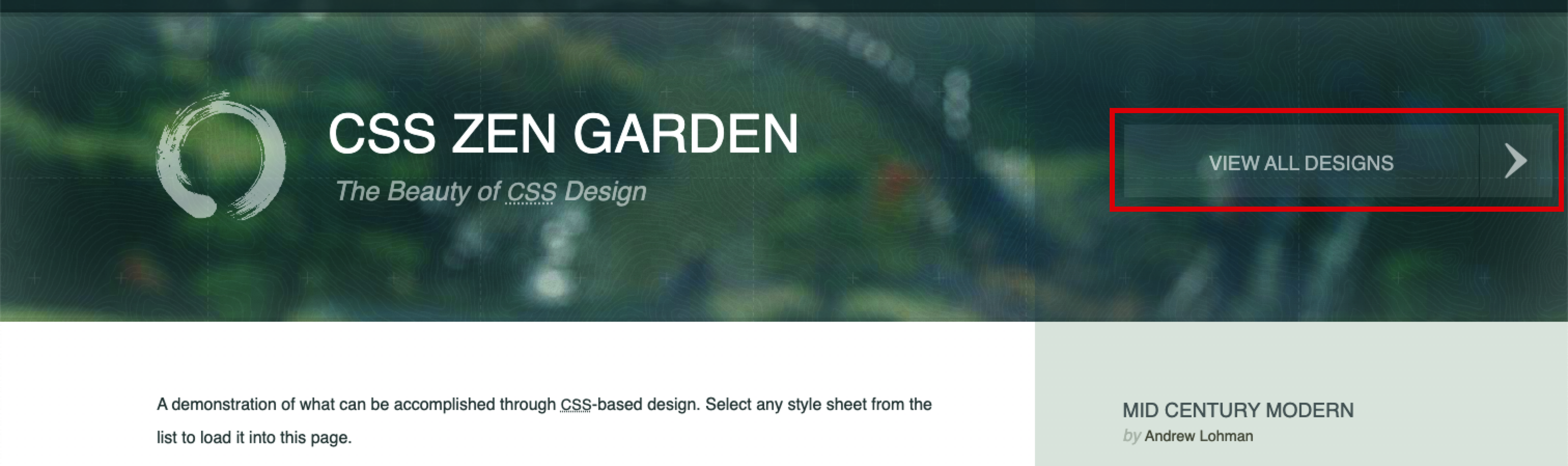
Many Designs
The primary goal of this website is to allow web designers to submit their own CSS designs to demonstrate how the same content can be formatted to look completely different using just CSS. To view all designs that have been submitted, follow the View All Designs link.
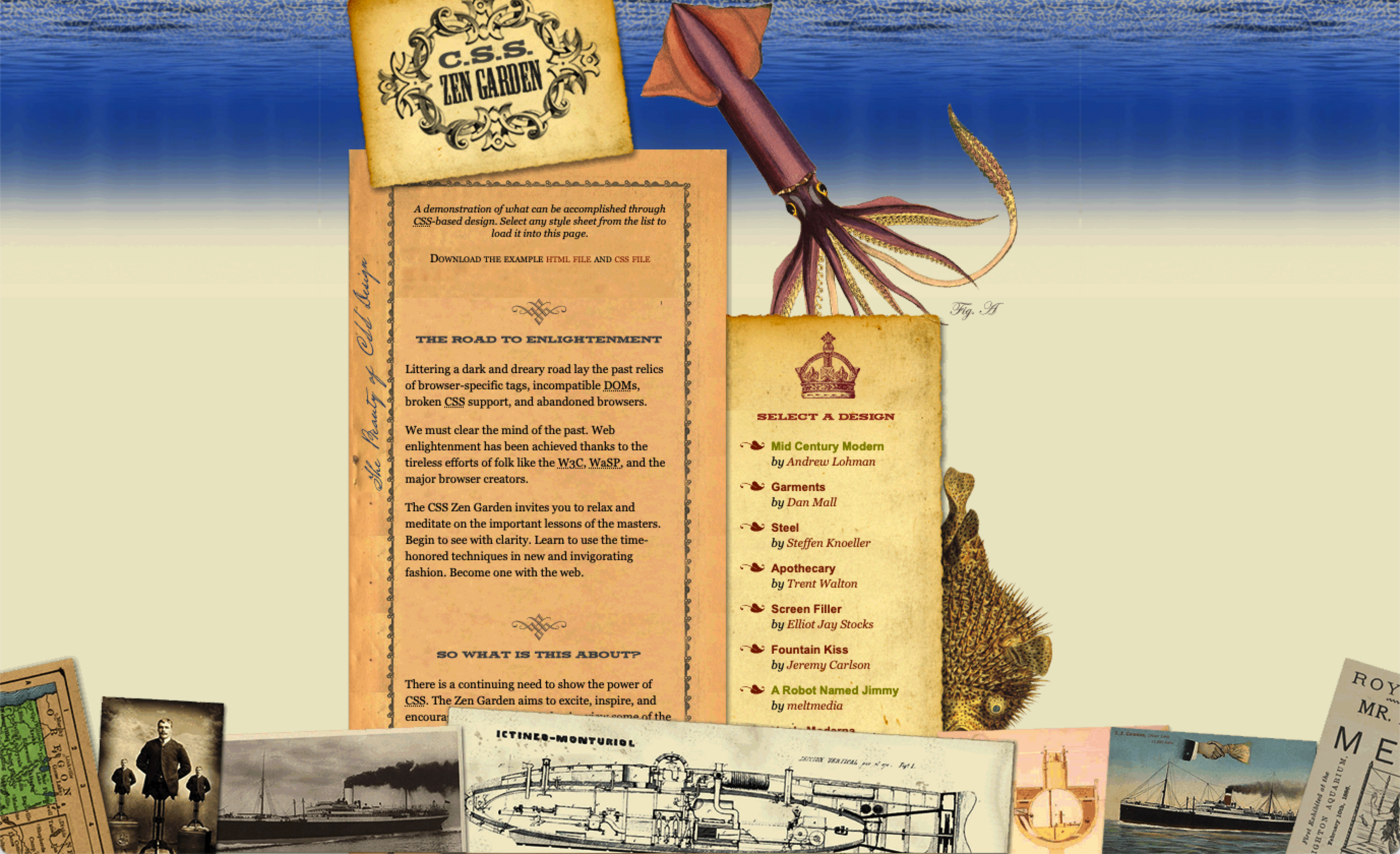
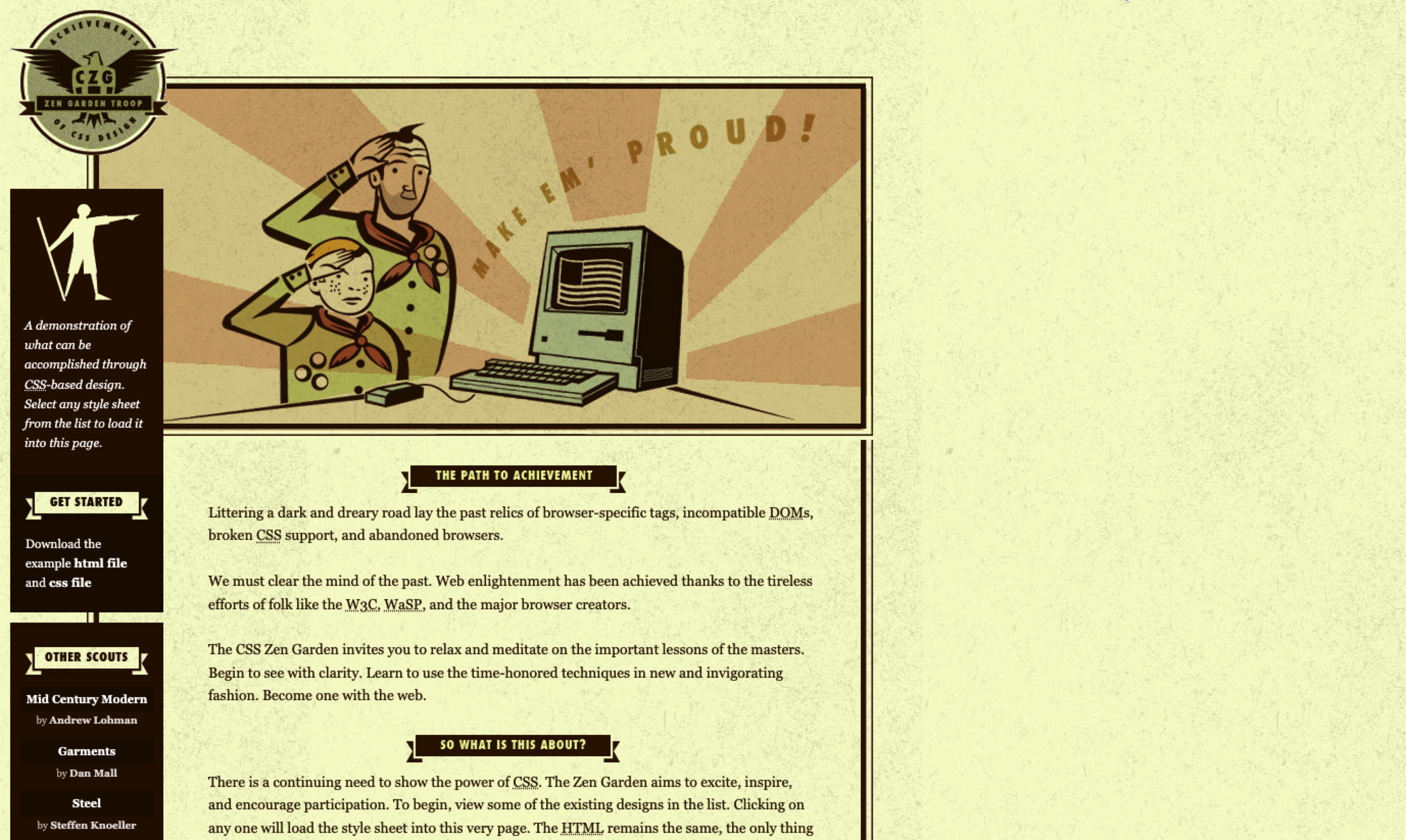
Listed below are a few of the designs found on the website. The text of each page is identical. The only thing that has changed is that a different style has been applied.
Design Name: A Robot Named Jimmy
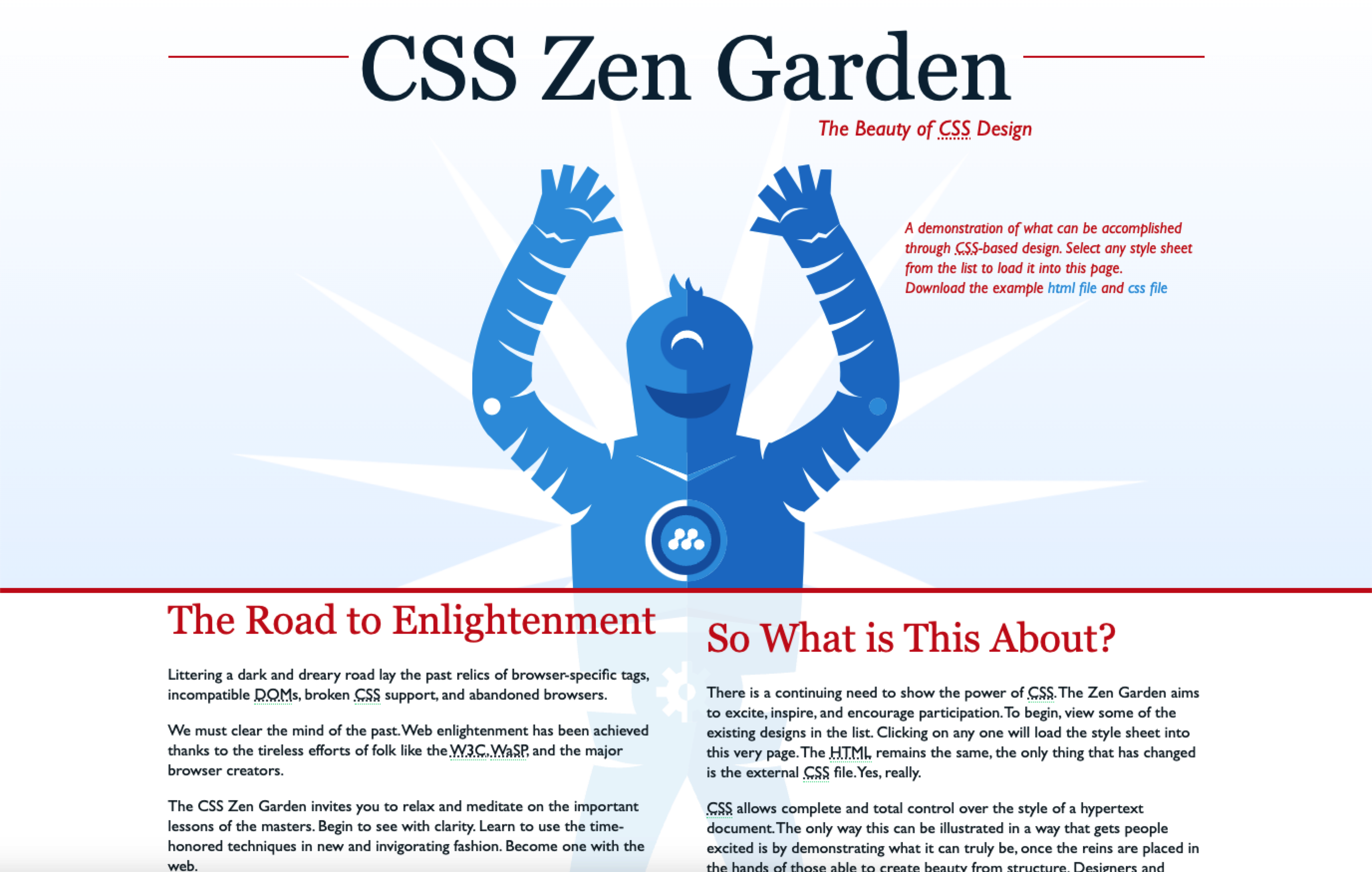
Notice that the content of the web page is the same, but the design is different.
Design Name: Under the Sea
Design Name: Make 'em Proud
Design Name: Release One
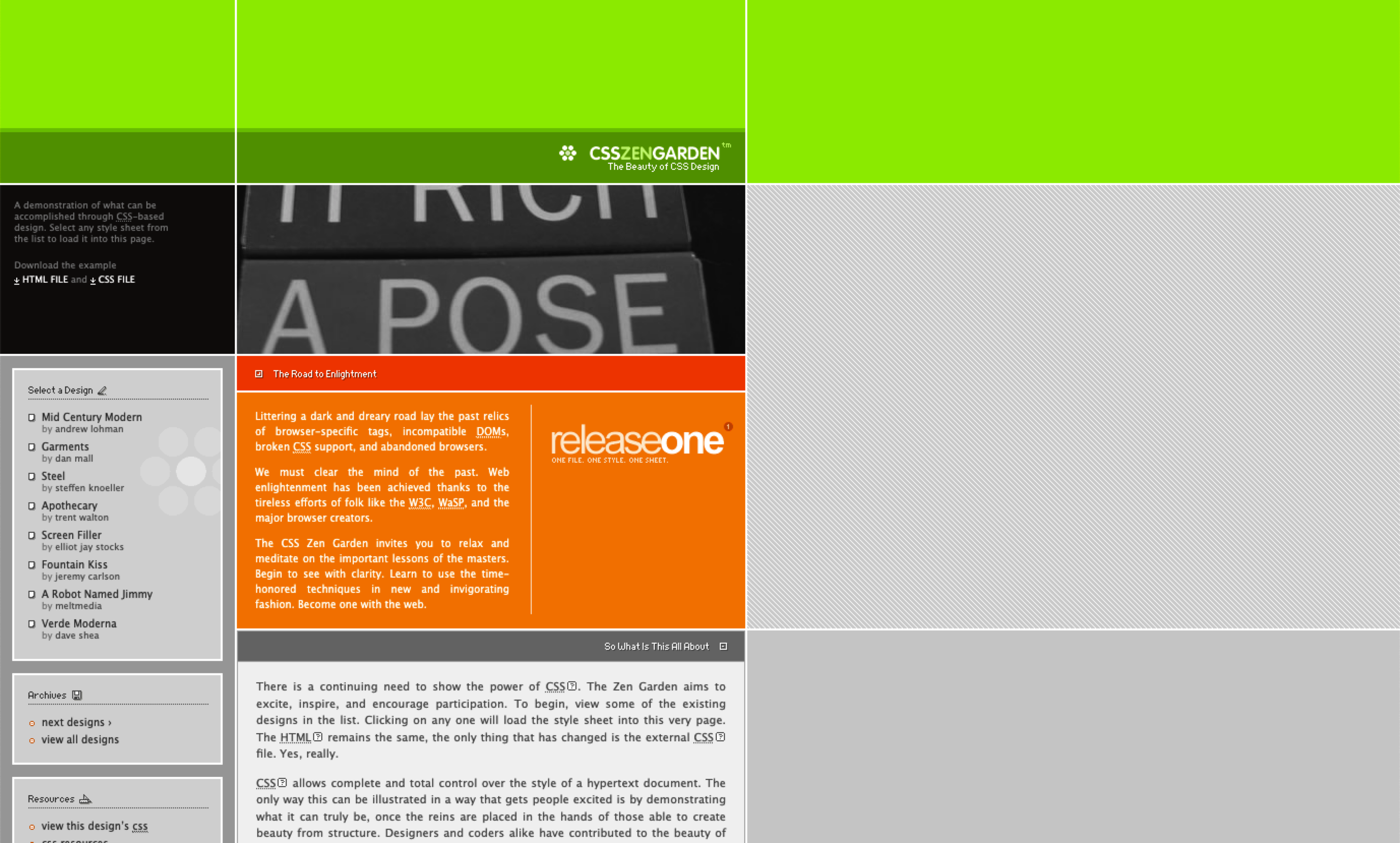
This is an early design. Notice the section header fonts and the dotted lines. This style/design was popular in the early 2000s. Also, each section is clearly defined by hard lines and narrow margins. Today hard lines are largely avoided, and margins are wide, with an emphasis on empty space.
Learning from the Designs
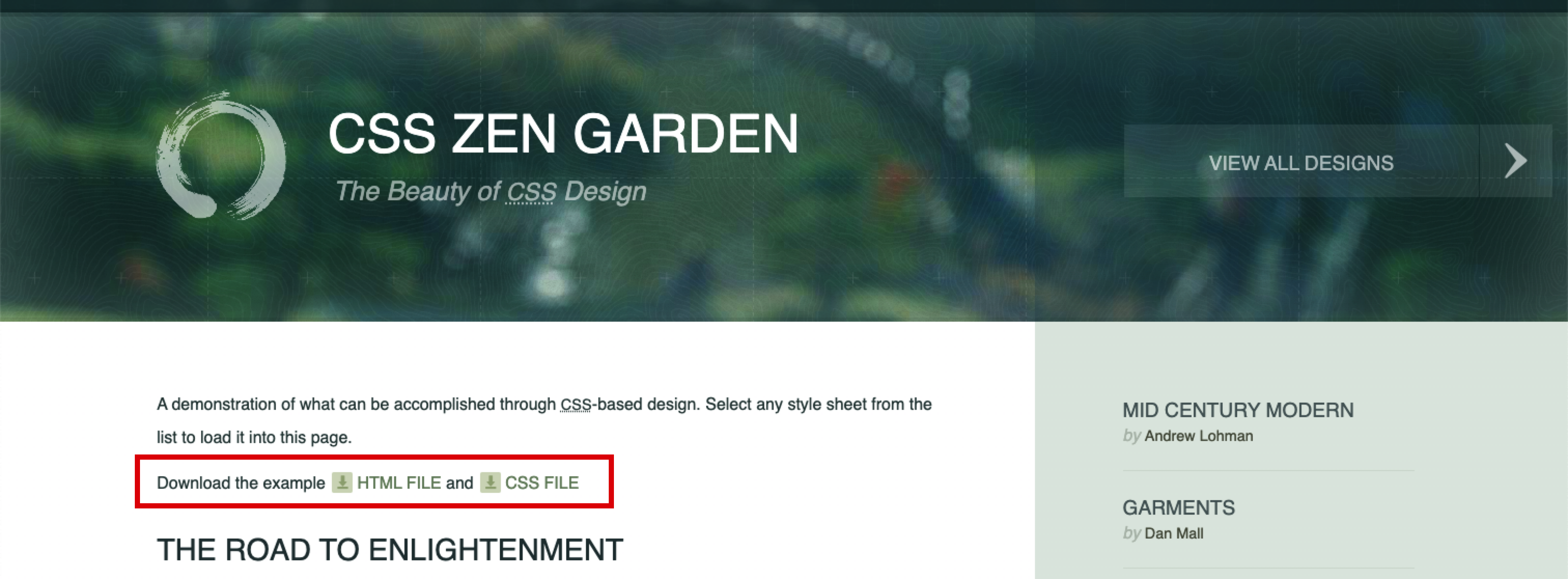
CSS Zen Garden allows you to download the raw HTML and the original CSS files. You can then open the files in VS Code to learn how the page was designed. You can also modify the CSS to try out your own designs.
Note: don't edit the HTML file. The whole idea of the site is that you change only the CSS file to reach your design.
You can download both the HTML and CSS files to a new project folder, then open the new folder in VS Code to edit the page.
Check yourself
2 questions to try on the lesson page.
So what
When the HTML only describes the content, a whole new look is one CSS file away, and the content never has to be touched.