Losing this, and How Arrow Functions Help
When you hand a method to other code as a callback, it loses the object before the dot and this goes missing, and an arrow function or bind gives it back.
Journeyman · JavaScript · OOP · Updated
After this lesson you can
- Explain why this is lost when a method is passed as a callback
- Keep this in a callback with an arrow function or bind
Key takeaways
- Passing comet.fire hands over the function only, not Comet. When it's called later with no dot, this is no longer Comet.
- Wrap the call in an arrow function, () => comet.fire(), so the dot comes back when it runs.
- bind makes a copy of a function with this fixed for good, as in comet.fire.bind(comet).
- An arrow function has no this of its own. It uses the this of the code around it, so it's the right choice for a callback inside a method.
- Write an object's own methods the regular way, not as arrow functions, or this won't be the object.
This is one of the bugs that trips up almost everyone who writes JavaScript. You hand a method to a button, a timer or a game's key handler, it runs, and this is suddenly not the object you meant: the ship's name prints as undefined, or the program stops with Cannot read properties of undefined. Once you know why it happens, it takes one small change to fix, and you'll spot it in other people's code too.
The spacebar fires... somebody
Red Squadron's ships fire when the player presses the spacebar. The game has a function, onSpacebar, that takes an action and runs it when the key is pressed. A function you hand to other code, for it to call, is a callback (you met callbacks with map and filter). Here Comet fires once directly, and once as a callback:
function onSpacebar(action) {
  console.log("Spacebar pressed");
  action();
}

const comet = {
  name: "Comet",
  missiles: 3,
  fire() {
    this.missiles = this.missiles - 1;
    console.log(`${this.name} fires! Missiles left: ${this.missiles}`);
  },
};

comet.fire();
onSpacebar(comet.fire);
Comet fires! Missiles left: 2
Spacebar pressed
undefined fires! Missiles left: NaN
The first shot works. The second has no name and NaN missiles (not a number: what you get from undefined - 1). Same method, same ship. What changed?
No dot, no object
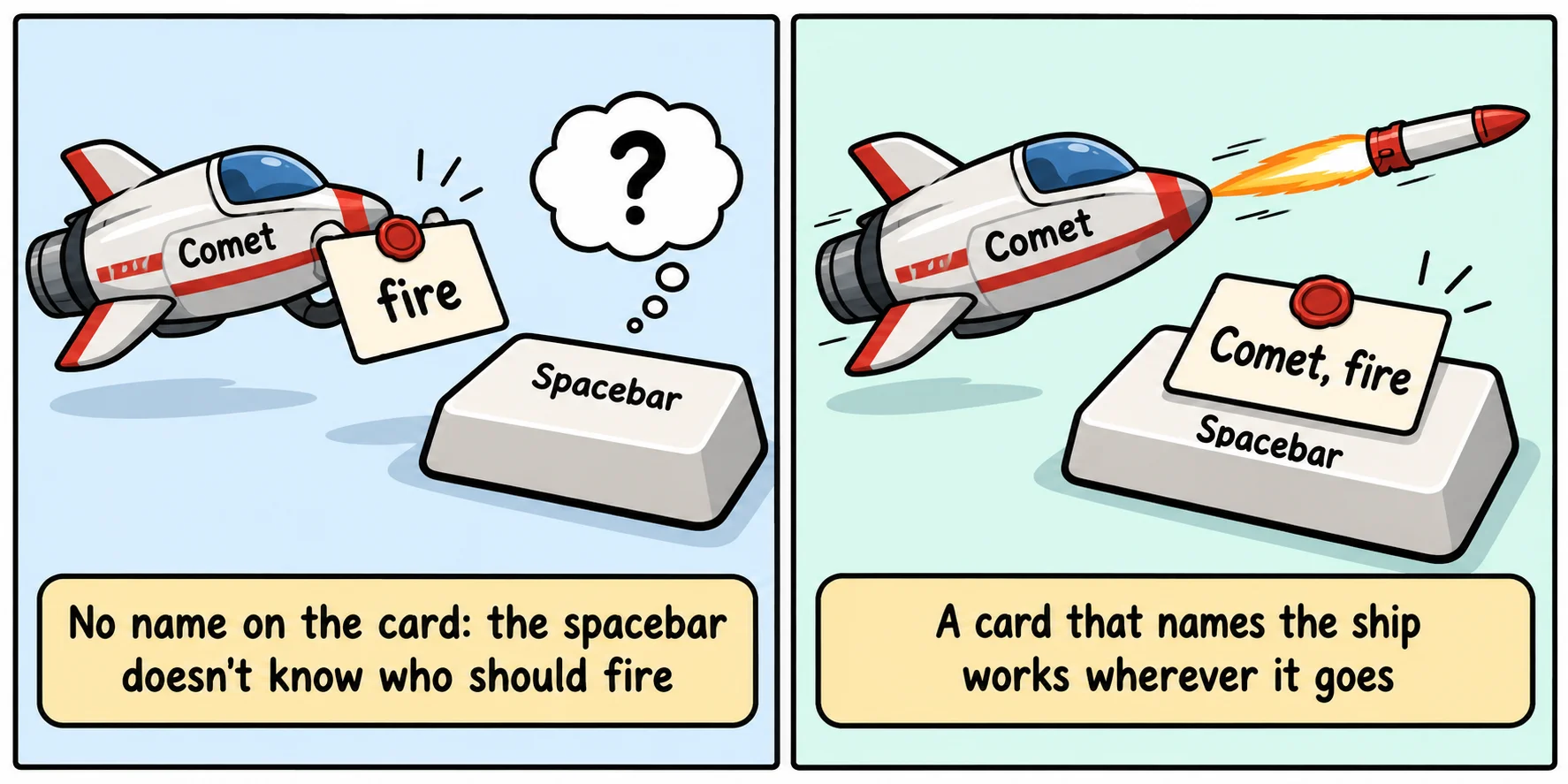
Remember the rule from Methods and this: this is the object before the dot when the method is called. Look at how onSpacebar calls it: action(). There's no dot, so there's no object.
comet.fire without parentheses doesn't run anything. It reads the function out of Comet, like copying a recipe card out of a cookbook. You hand over the card, not the cook. It's like a sticky note that says "my missiles are low": whoever reads it out loud, my means them.
You can see the same thing without a callback, by saving the method in a variable first:
const comet = {
  name: "Comet",
  report() {
    console.log(`${this.name} reporting`);
  },
};

const report = comet.report;

comet.report();
report();
Comet reporting
undefined reporting
What this becomes when there's no dot depends on where the code runs. In a plain .js file like this one, Node uses its older, forgiving mode, and this becomes Node's global object, which has no name, so you see undefined. Inside a class, and in files that are modules (such as this course's exercises), JavaScript is stricter: this is undefined itself, and the program stops with an error such as TypeError: Cannot read properties of undefined (reading 'name'). Both mean the same thing: the method lost its object.
Try it. Make spacebar.js with the first example and run it with node spacebar.js. Then add the line console.log(comet.missiles); at the end. Did the callback's shot use one of Comet's missiles?
Fix 1: wrap it in an arrow function
The most common fix is to hand over a small function that makes the call with the dot. An arrow function, () => comet.fire() (the => is read "arrow"), is a function with no parameters whose whole job is to call comet.fire():
function onSpacebar(action) {
  console.log("Spacebar pressed");
  action();
}

const comet = {
  name: "Comet",
  missiles: 3,
  fire() {
    this.missiles = this.missiles - 1;
    console.log(`${this.name} fires! Missiles left: ${this.missiles}`);
  },
};

onSpacebar(() => comet.fire());
onSpacebar(() => comet.fire());
Spacebar pressed
Comet fires! Missiles left: 2
Spacebar pressed
Comet fires! Missiles left: 1
onSpacebar still calls action() with no dot. But action is now the arrow function, and when it runs, it calls comet.fire(): Comet is back before the dot.
Fix 2: bind
Every function has a method named bind. comet.fire.bind(comet) makes a copy of fire whose this is fixed to Comet for good, however it's called later:
function onSpacebar(action) {
  console.log("Spacebar pressed");
  action();
}

const comet = {
  name: "Comet",
  missiles: 3,
  fire() {
    this.missiles = this.missiles - 1;
    console.log(`${this.name} fires! Missiles left: ${this.missiles}`);
  },
};

const cometFire = comet.fire.bind(comet);
onSpacebar(cometFire);
onSpacebar(cometFire);
Spacebar pressed
Comet fires! Missiles left: 2
Spacebar pressed
Comet fires! Missiles left: 1
bind is handy when you want to keep the fixed copy in a variable and hand it out more than once. Two relatives you may meet in older code, call and apply, run a function once, right away, with the this you give them: comet.fire.call(comet).
Arrow functions inside methods
The same bug hides inside methods that use callbacks. Red Squadron's rollCall goes through its ships with forEach, and the callback is written with the function keyword:
const squadron = {
  name: "Red Squadron",
  ships: ["Comet", "Vega", "Orion"],
  rollCall() {
    this.ships.forEach(function (ship) {
      console.log(`${this.name}: ${ship}`);
    });
  },
};

squadron.rollCall();
undefined: Comet
undefined: Vega
undefined: Orion
this.ships works, because rollCall was called as squadron.rollCall(). But forEach calls the inner function with no dot, so inside it, this is lost.
An arrow function fixes it, because an arrow function has no this of its own. It uses the this of the code around it, like a passenger who goes wherever the car goes. Around it is rollCall, where this is the squadron:
const squadron = {
  name: "Red Squadron",
  ships: ["Comet", "Vega", "Orion"],
  rollCall() {
    this.ships.forEach((ship) => {
      console.log(`${this.name}: ${ship}`);
    });
  },
};

squadron.rollCall();
Red Squadron: Comet
Red Squadron: Vega
Red Squadron: Orion
That's why arrow functions are the usual choice for callbacks inside methods: map, filter, forEach, timers and click handlers.
Don't make the method itself an arrow
Because an arrow function takes this from the code around it, it's the wrong choice for the method itself. Here report is an arrow function, and the code around it is the file, not Vega:
const vega = {
  name: "Vega",
  report: () => {
    console.log(`${this.name} reporting`);
  },
};

vega.report();
undefined reporting
vega.report() has Vega before the dot, but an arrow function ignores the dot. The rule of thumb: write an object's own methods the regular way, and use arrow functions for the callbacks inside them.
Try it. In spacebar.js, replace onSpacebar(comet.fire) with each fix in turn, the arrow function and then bind, and run it each time. Then turn fire itself into an arrow function, fire: () => { ... }, and run it again. Which of the three works?
Check yourself
2 questions to try on the lesson page.
So what
Any time you hand a method to something else (a button, a timer, map, a game loop), ask "who will be before the dot when it runs?" If the answer is nobody, wrap it in an arrow function or bind it, and this stays the object you meant.