IP Addresses and Ports
An IP address finds the computer, and a port finds the program on it. Meet localhost, the ports the web uses, and the ports your own apps listen on.
Novice · Web Development · Updated
After this lesson you can
- Explain what an IP address, localhost and a port are
- Find the port a program listens on, such as a web app's port in launchSettings.json
Key takeaways
- An IP address finds the computer, and a port finds the program on it, like a phone number and an extension.
- A domain name such as
google.comis a nickname for an IP address. localhost, or127.0.0.1, is your own computer's address for itself.- Websites listen on port 80 for
httpand 443 forhttps, and browsers hide those default ports in the address. - Your web app's port, such as 5204, is in
Properties/launchSettings.json, and each new project gets its own.
To send a message to another program, you need to know two things: which computer it's on, and which program on that computer.
IP addresses find the computer
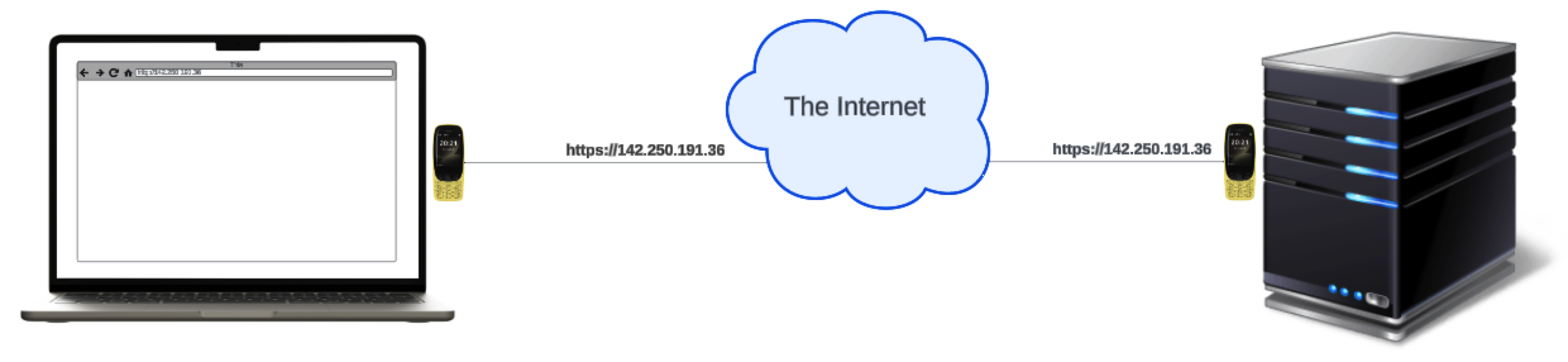
Every computer on a network has an IP address (Internet Protocol address), unique on its network. It's four numbers from 0 to 255, separated by dots:
142.250.191.36
People don't remember numbers well, so we use domain names instead, such as google.com. A domain name is a nickname for an IP address: your computer looks up the number behind the name, and sends the message to the number.
localhost is your own computer
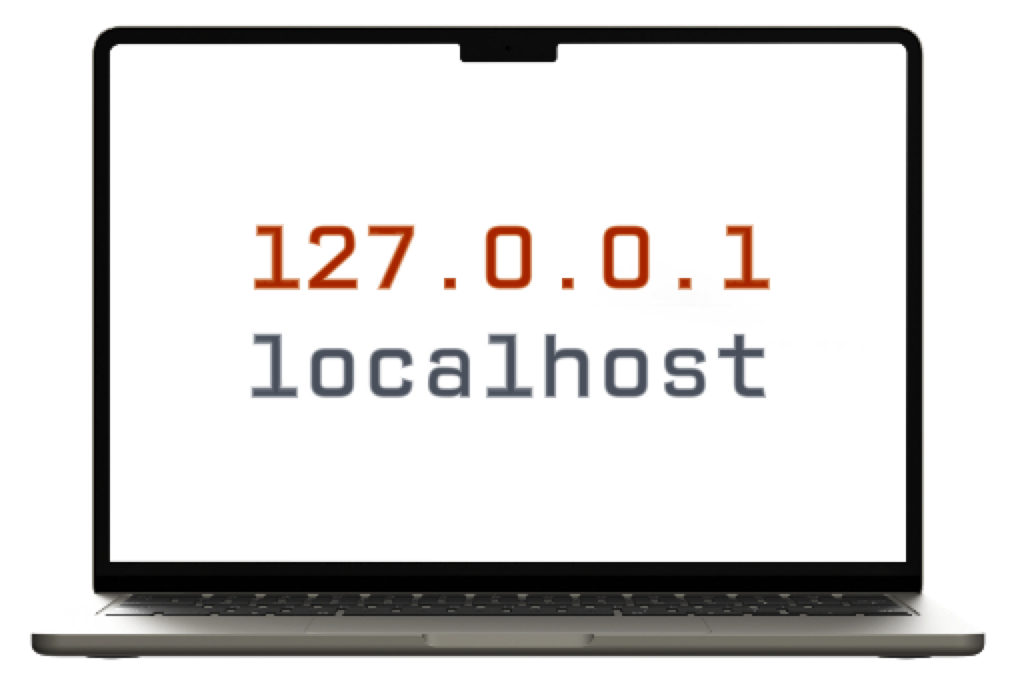
When both programs are on the same computer, the address is always 127.0.0.1, and its nickname is localhost. You've already used it: your connection string says Server=localhost.
Ports find the program
One computer runs many programs that listen for messages, so the address alone isn't enough. Think of an office with one phone number and many extensions: the IP address is the phone number, and the port is the extension. Each listening program has its own port number.
| Program | Port it listens on |
|---|---|
A website, over http |
80 |
A website, over https |
443 |
| SQL Server, on a network | 1433 |
| The web app you'll make next, while you build it | a number such as 5204, chosen when you create it |
On your own computer, SqlClient can take a shortcut to SQL Server that skips the port, which is why your connection string doesn't name one. A database in the cloud is always reached through its port.
Ports in web addresses
A port goes after the address, following a colon. Browsers hide the default ports, so these pairs are the same address:
http://www.example.com        is   http://www.example.com:80
https://www.example.com       is   https://www.example.com:443
While you build a web app, it runs on your own computer, on a port of its own, so that several apps can run at once without getting in each other's way:
http://localhost:5204
ASP.NET Core writes the port in the project's Properties/launchSettings.json file when you create it:
"http": {
  "commandName": "Project",
  "launchBrowser": true,
  "applicationUrl": "http://localhost:5204"
}
Your number will be different: each new project gets its own.
Check yourself
2 questions to try on the lesson page.
So what
An address and a port are all it takes to reach any program, on your computer or across the world. When a browser can't reach your app, or your app can't reach its database, those are the first two things to check.
Key terms
- IP Address
- Domain Name
- Localhost and Ports
- launchSettings.json