Java streams beyond filter and map
You know filter and map, and you still catch yourself writing loops with counters, flags and a comma too many. Five more stream functions replace those loops.
By Gregor Dzierzon ·
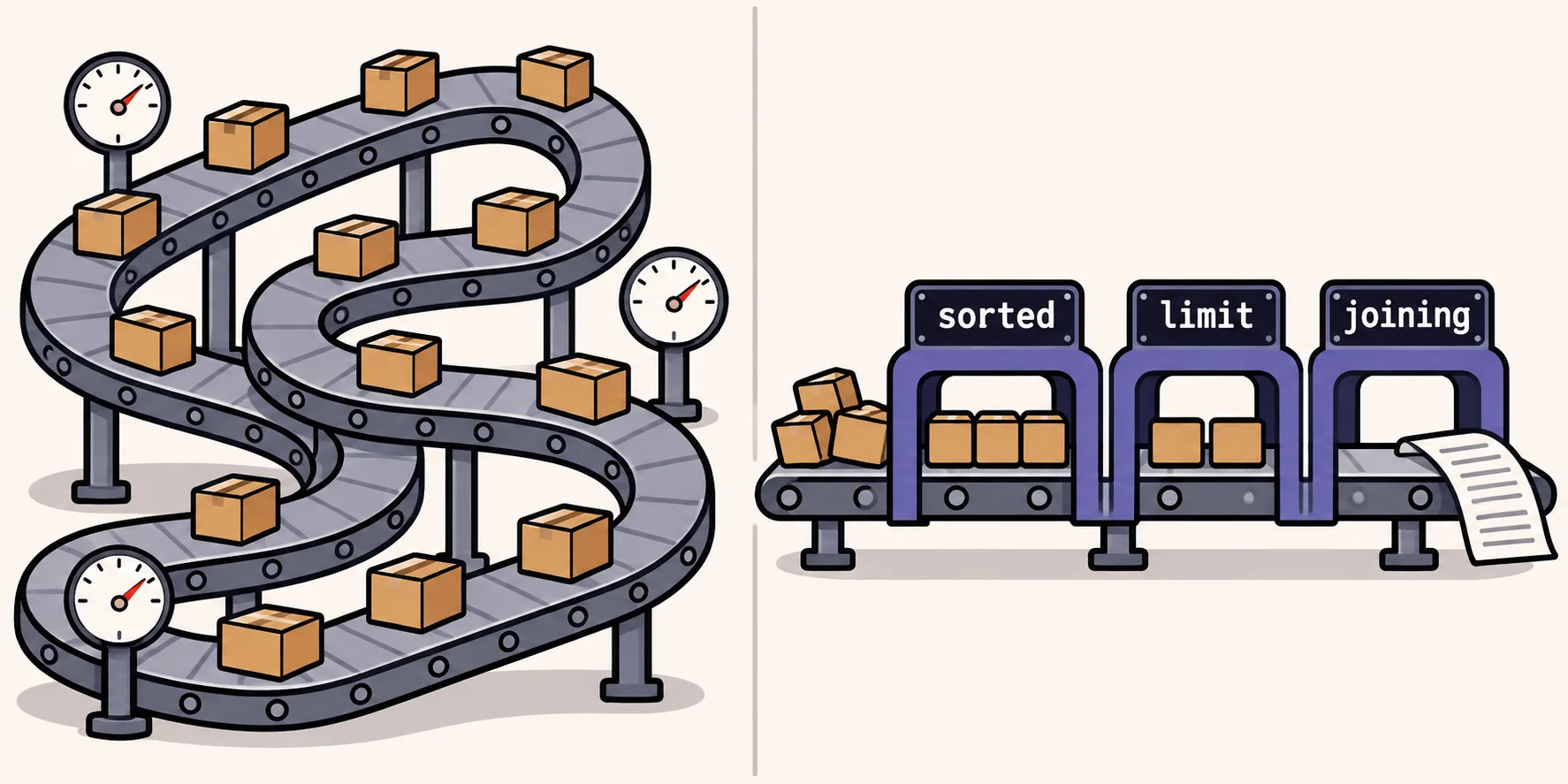
You've learned filter and map, and streams finally make sense. Then a real request comes in ("show the three most
expensive products", "is anything out of stock?") and you're back to writing a loop with a counter, a boolean flag and
a break.
Those loops work. They're also where the off-by-one mistakes and the stray commas live. Here are five stream functions that replace them, each shown as the loop you'd write and the stream that does the same job.
Every example uses a store's List<Product>, where each product has a name, a category, a price and the units in
stock.
1. Sort by any field: Comparator.comparing
Before: products.stream().sorted() compiles, then stops with a ClassCastException. A String knows its own
order, but your Product class doesn't, so Java can't guess whether you mean by name, by price or by stock
(Stream.sorted).
After: tell it what to sort by. limit keeps the first few:
var premiumPicks = products.stream()
        .sorted(Comparator.comparing(Product::getUnitPrice).reversed())
        .limit(3)
        .map(Product::getProductName)
        .toList();
Product::getUnitPrice is a method reference, the same as product -> product.getUnitPrice(). Use it here: with a
lambda in that spot, .reversed() won't compile, because Java can no longer tell that product is a Product.
2. A yes-or-no question: anyMatch
Before:
boolean anyOutOfStock = false;
for (Product product : products)
{
    if (product.getUnitsInStock() == 0)
    {
        anyOutOfStock = true;
        break;
    }
}
After:
boolean anyOutOfStock = products.stream()
        .anyMatch(product -> product.getUnitsInStock() == 0);
Like the break, anyMatch stops at the first match
(Stream.anyMatch).
Its partners are allMatch (does every item match?) and noneMatch (does no item match?).
3. The first one, or a fallback: findFirst and orElse
Before: a String that starts as null, a loop, and a break. When nothing matches, the variable stays null, and
the page crashes later with a NullPointerException.
After:
String firstSeafood = products.stream()
        .filter(product -> product.getCategoryName().equals("Seafood"))
        .map(Product::getProductName)
        .findFirst()
        .orElse("Nothing in this category");
findFirst() gives back an Optional, a box that might be empty
(Stream.findFirst).
orElse says what to use when it is, so the variable always holds a real String.
4. One line of names, no comma too many: Collectors.joining
Before:
String names = "";
for (Product product : products)
{
    names += product.getProductName() + ", ";
}
// ends with "Alice Mutton, ": one comma too many
After:
String outOfStock = products.stream()
        .filter(product -> product.getUnitsInStock() == 0)
        .map(Product::getProductName)
        .collect(Collectors.joining(", "));
joining puts the separator between the items, never after the last one
(Collectors.joining).
5. Groups and counts: Collectors.groupingBy
Before: a list for each category you meet, a check whether it exists yet, and an add into the right one.
After:
Map<String, Long> countByCategory = products.stream()
        .collect(Collectors.groupingBy(Product::getCategoryName, Collectors.counting()));
That's a map from each category to how many products it has. Leave out Collectors.counting(), and each category gets
the list of its products instead
(Collectors.groupingBy).
The rest, in the lessons
These five cover the requests you'll hear most often. Two lessons go further, with the same store's products, and each ends with a Do It you solve right on the page:
- Sorting, Cutting and Checking Streams
teaches functions 1 to 3 in depth, plus breaking ties with
thenComparing, pages of results withskipandlimit, andallMatchandnoneMatch. - Counting, Collecting and Flattening Streams
teaches functions 4 and 5, plus
count,sumandaverage,minandmax,flatMapfor a list of lists, and how to read any stream as intermediate steps and one terminal step.
Next time you start typing boolean found = false;, stop and ask which stream function already does it.
Sources
- Oracle, Stream (Java SE 25 & JDK 25), the Java SE 25 API documentation:
sortedthrows aClassCastExceptionfor items that aren'tComparable,anyMatchstops early, andfindFirstreturns anOptional. - Oracle, Collectors (Java SE 25 & JDK 25), the Java SE 25 API documentation:
joiningandgroupingBywithcounting. - Oracle, Comparator (Java SE 25 & JDK 25), the Java SE 25 API documentation:
comparingandreversed.