The "strong" password myth: why a plain sentence wins
A strong password is long, not complicated. A plain sentence of five or more words beats P@ssw0rd1! every time, and it's easier to remember. Here's why, with a little help from National Treasure.
By Gregor Dzierzon ·
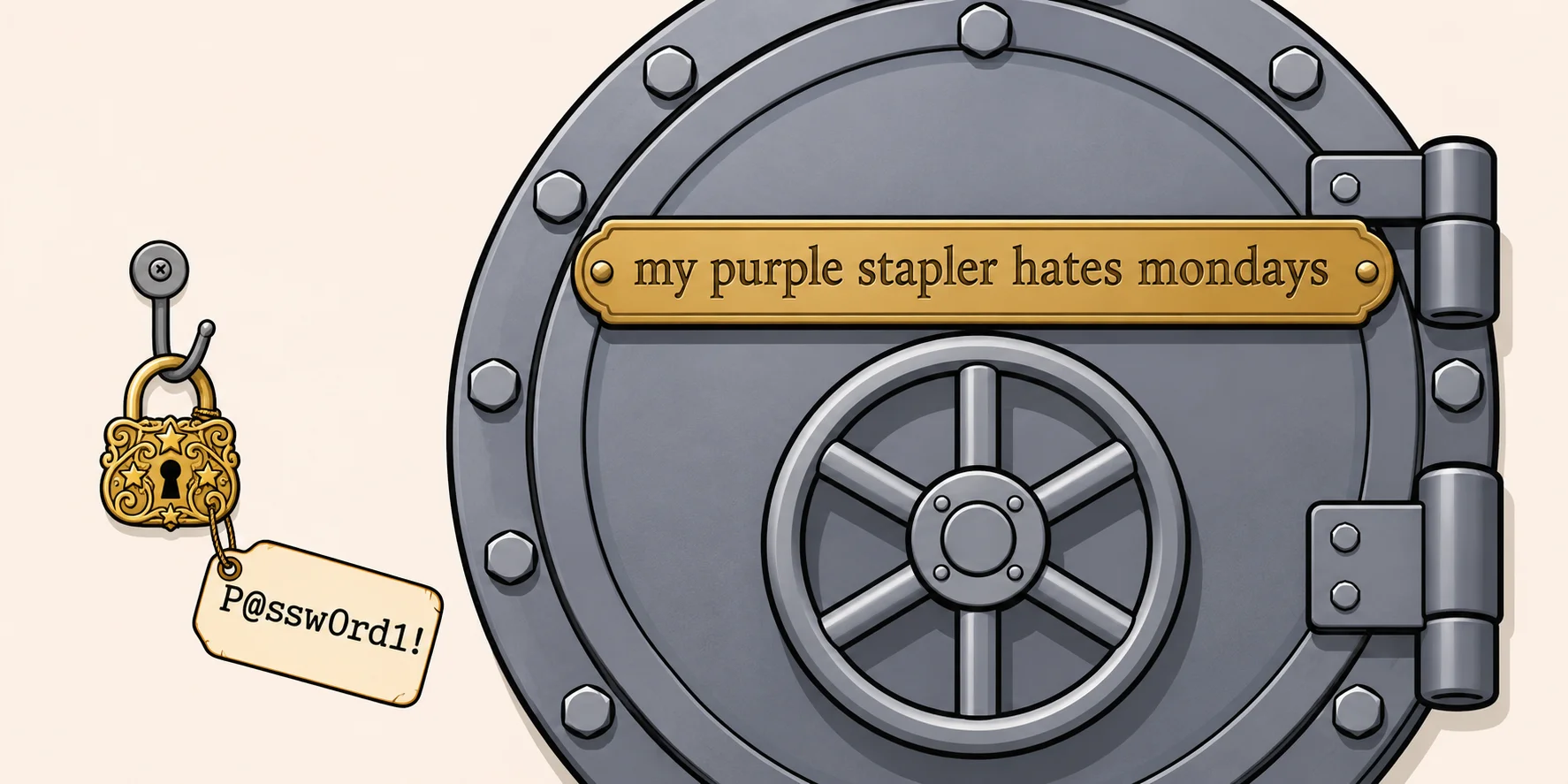
A strong password is a long one. Not one with a capital letter, a number and a symbol bolted on: a long one. A
plain sentence of five or more ordinary words, one that's true for you and that nobody else would ever say, is stronger
than P@ssw0rd1!, easier to remember, and easier to type on a phone. Spaces are fine. Lowercase is fine. A little silly
is even better.
That's the whole idea. The rest of this post explains why it's true, why so many sites still ask for the opposite, and how a famous movie password shows the one way a phrase can go wrong.
One thing this post isn't about: two-factor authentication, the code from an app or a text message that you enter after your password. Turn it on wherever it's offered. It's a second lock on the door. This post is about the first lock, the one you choose yourself.
The rules we all learned
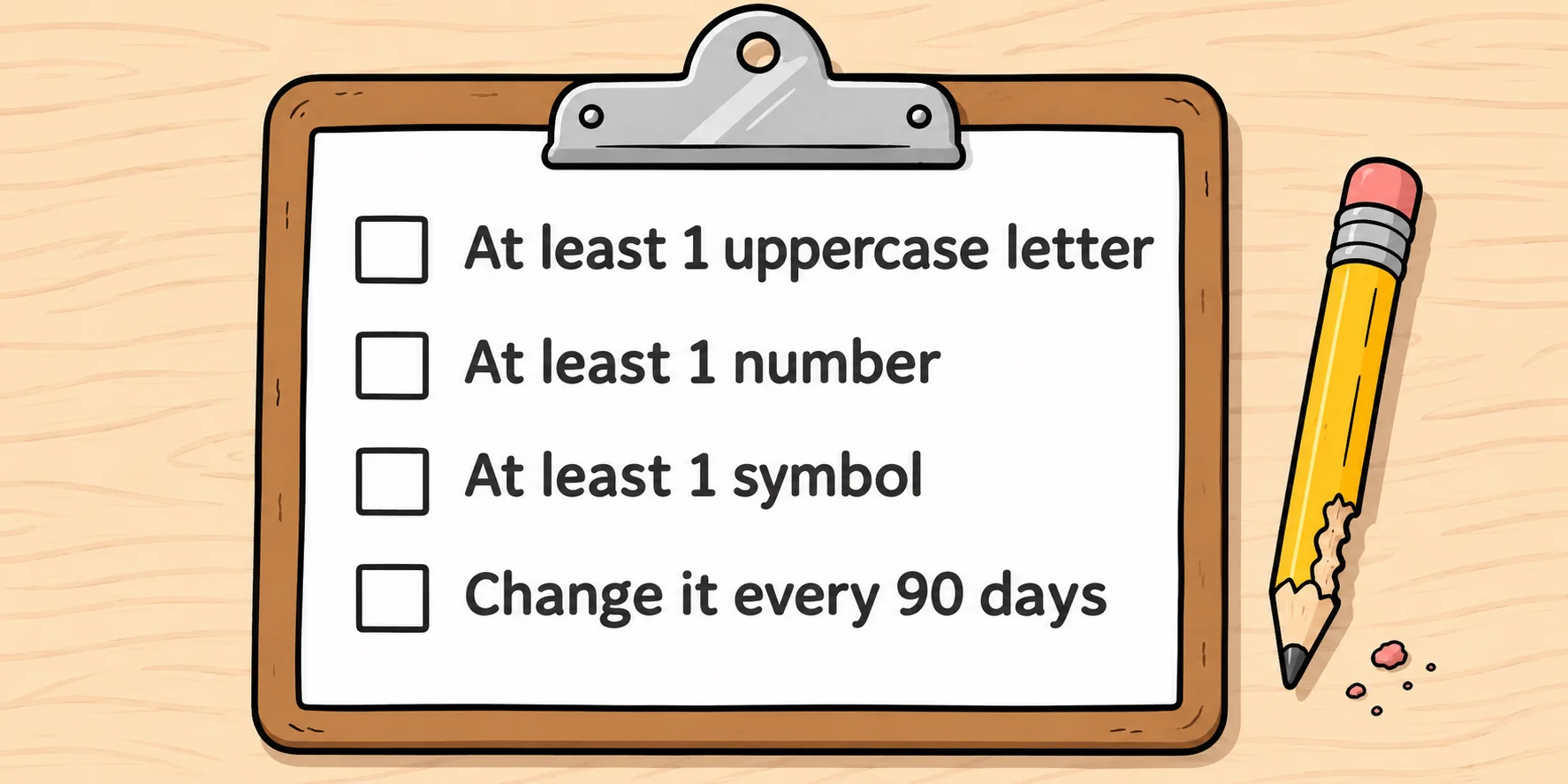
You know the rules. At least one uppercase letter. At least one number. At least one special character. Change it every 90 days.
Those rules trace back to a 2003 guide written by Bill Burr, then a manager at the US National Institute of Standards and Technology (NIST), the agency whose guidance much of the industry follows. In 2017 he told The Wall Street Journal, "Much of what I did I now regret." The rules spread anyway, and plenty of sites still use them today.
Why "complicated" isn't strong
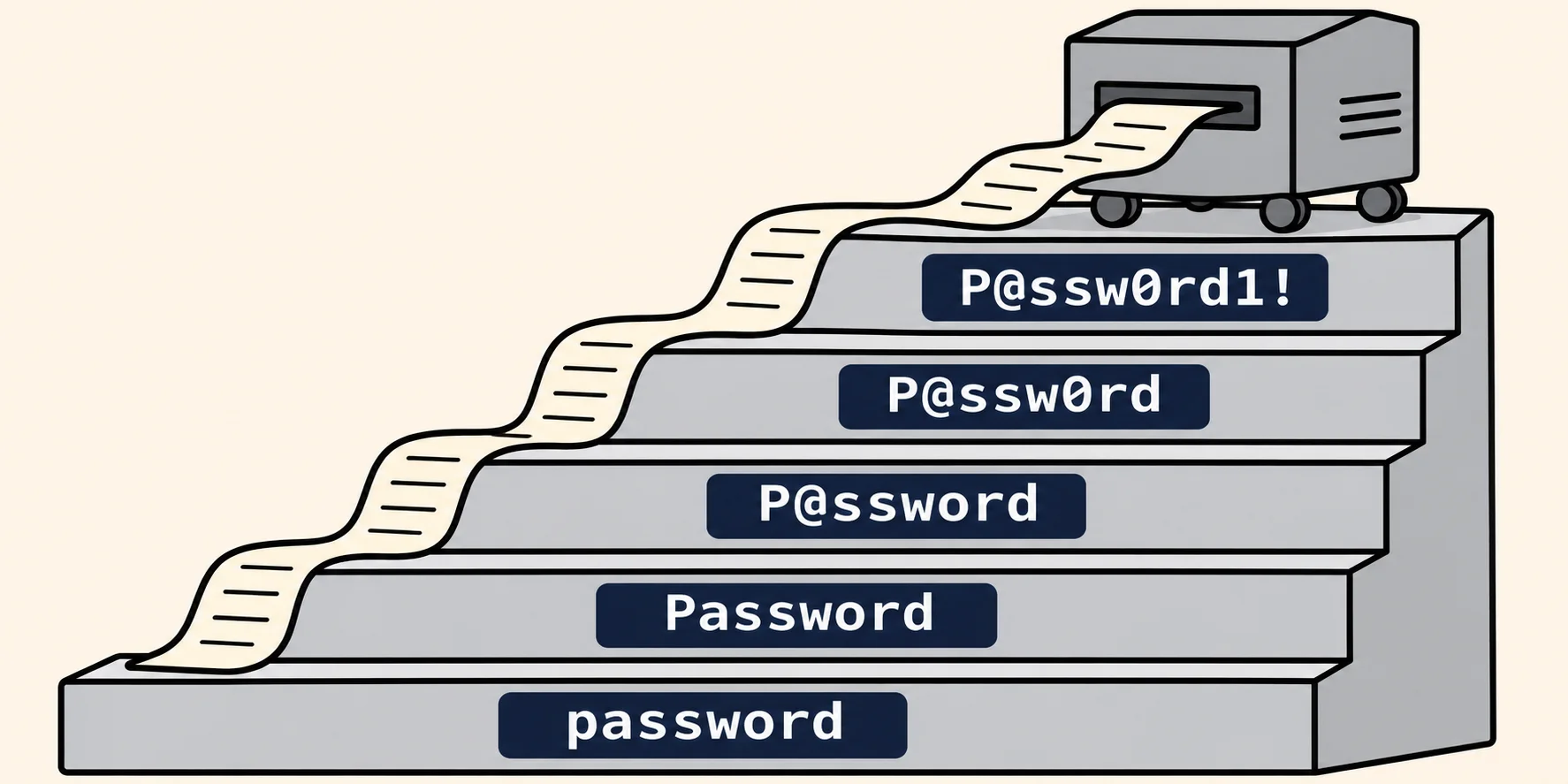
Give people those rules and almost everyone does the same thing. They take a word, capitalize the first letter, swap a
few letters for look-alikes (a becomes @, o becomes 0) and put a number and a symbol at the end. P@ssw0rd1!
passes every rule on the list.
The trouble is that attackers know the pattern too. When a site is breached, attackers usually walk away with a copy of
its password database, and they guess against that copy on their own computers, as fast as their hardware allows. There's
no "three tries and you're locked out" there. They don't guess one character at a time, either. They start with lists of
real words and passwords from earlier leaks, then apply the same swaps everyone makes: capital first, @ for a, a
digit and a ! on the end.
The webcomic xkcd put numbers on this back in 2011: a password built from one word with the usual substitutions comes out at about 28 bits of strength, which is a small number of guesses for a computer. It looks complicated to a person. To a guessing program, it's one of the first things to try.
Length is what counts
Every character you add multiplies the number of possible passwords. Every word you add multiplies it by the size of a whole word list. That's why length wins.
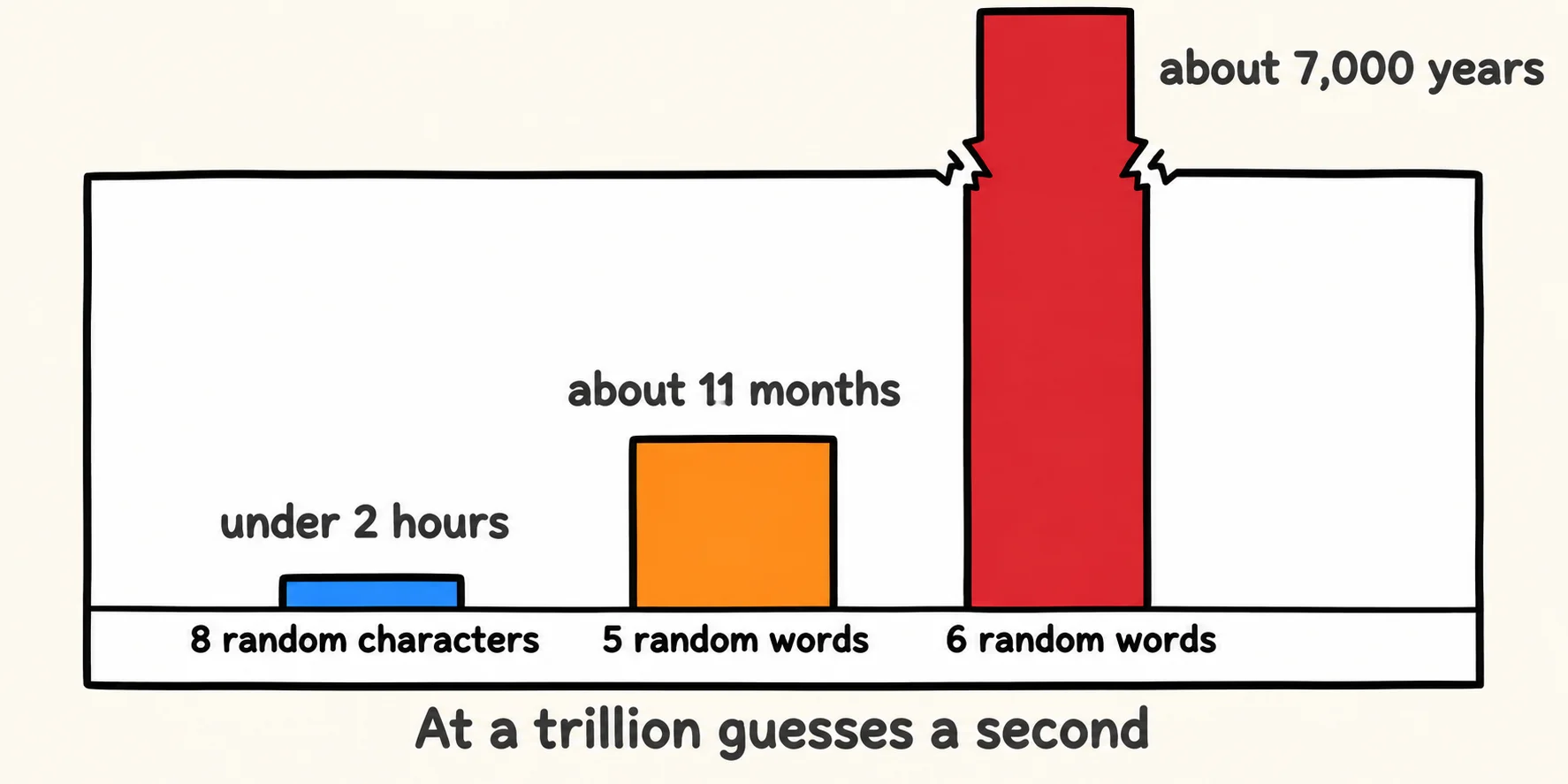
Here's a comparison. The word rows assume words picked at random from a 7,776-word list, the size of the list the Electronic Frontier Foundation (EFF) uses for dice-picked passphrases. The time column imagines a deliberately powerful attacker making a trillion guesses a second and trying every possibility.
<!-- table -->
| Password | Possible passwords | Time to try them all |
|---|---|---|
| 8 truly random characters | about 6.6 quadrillion | under 2 hours |
| 4 random words | about 3.7 quadrillion | about 1 hour |
| 5 random words | about 28 quintillion | about 11 months |
| 6 random words | about 221 sextillion | about 7,000 years |
| 12 truly random characters | about 540 sextillion | about 17,000 years |
Two things stand out:
- Six words are about as strong as twelve truly random characters. You can remember one of those. Nobody remembers
kQ7#vR!2mZp&. - Real people don't pick truly random characters. The top row is the best case for an 8-character password.
P@ssw0rd1!is far weaker than that row, because it's on the guessing lists.
To be honest about the other side: a sentence you make up isn't as random as dice, so five of your own words aren't quite as strong as five dice-picked words. The fix is easy. Use a few more words, and put them in an order nobody else would.
The Valley Forge problem
In the 2004 movie National Treasure, Ben Gates (Nicolas Cage) decides the only way to protect the Declaration of Independence is to steal it from the National Archives first. Standing between him and the preservation room is a password belonging to Dr. Abigail Chase, an archivist. The keys she touched light up, and the blanks on screen give away the shape: two words, six letters and five.
Riley, Ben's tech-savvy sidekick, runs the letters through his computer, and it does what a computer does: it tries everything. Out come A Glove Fry, A Very Golf, Fargo Levy, Gravy Floe and Valey Frog.
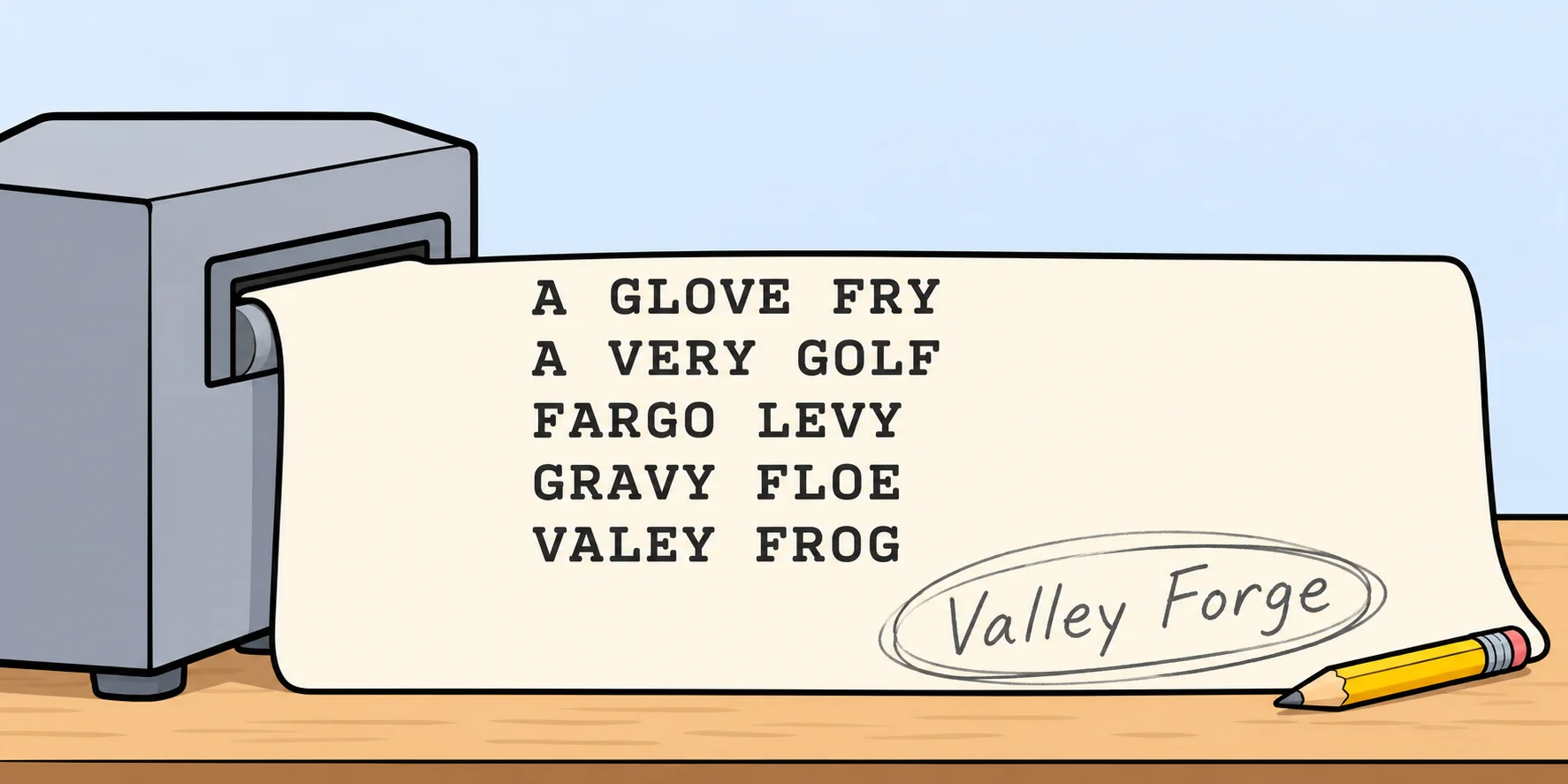
Then Ben does what a good attacker does: he stops guessing letters and thinks about who she is. A historian who guards the Declaration of Independence? Of course it's Valley Forge.
It's a great scene, and a terrible password. The computer came up with Gravy Floe. The human, who knew the person, got it right. (In fairness to Abigail, if her office made her change it every 90 days, she was probably running out of Revolutionary War landmarks.)
Here's what went wrong, and none of it is "it was made of plain words":
- It's short. Two words.
- It's famous. Valley Forge is in every American history book, so it's on every word list.
- It's about her. A Revolutionary War site, chosen by someone who works with Revolutionary War documents. Ben didn't need a computer. He needed to know her job.
That third one is the sneaky one. NIST's current guidance tells sites to block "context-specific words", such as the name of the service or the user's own details, for exactly this reason. Attackers do what Ben did: they look you up.
So the lesson isn't "phrases are weak." A phrase is strong when it's long, it's not famous, and it's about nothing a stranger could look up.
What makes a good passphrase
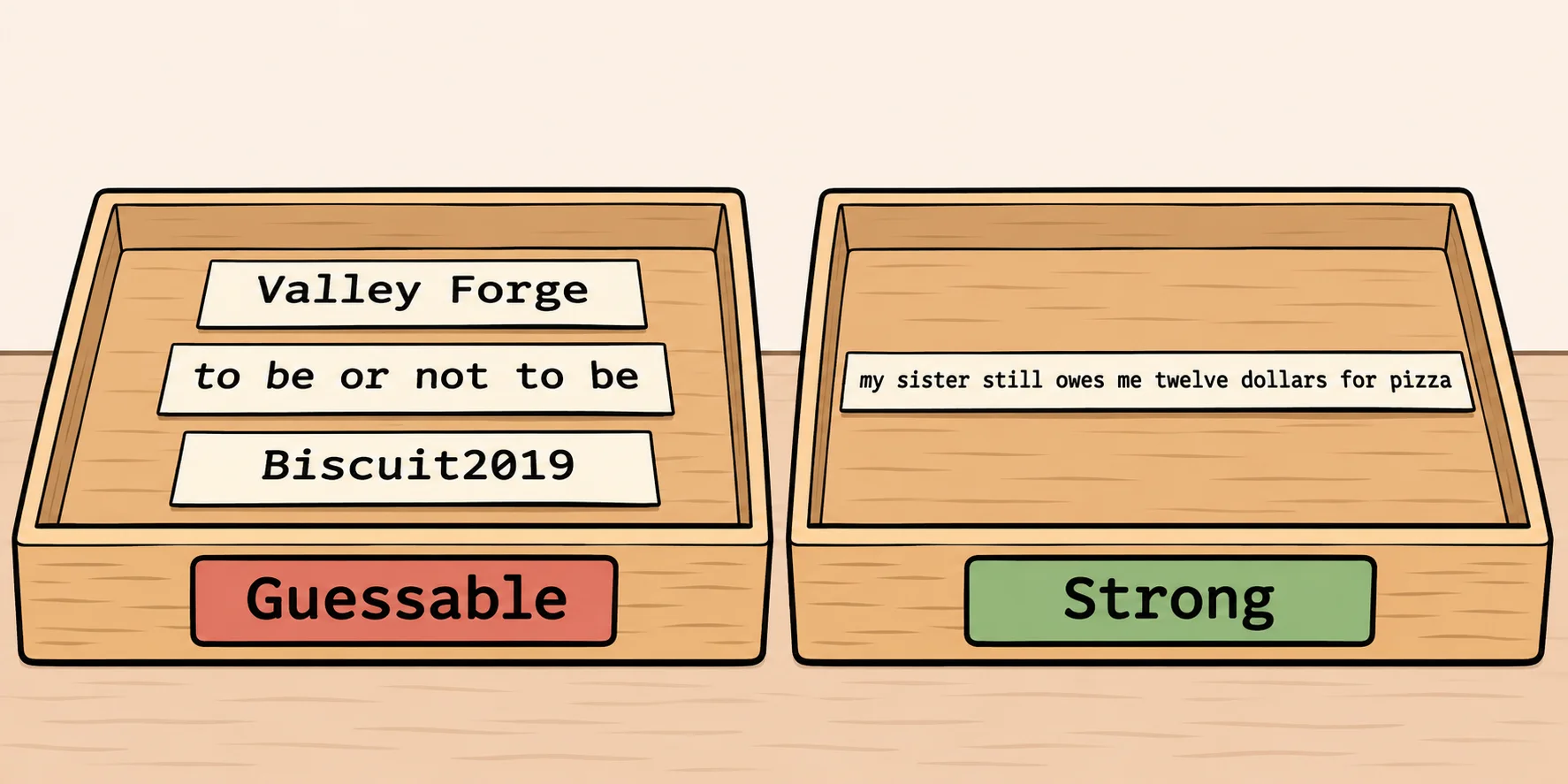
- Five words or more. There's no prize for short. Longer is stronger, and a sentence is barely harder to remember than a word.
- A sentence only you would write. Something like my sister still owes me twelve dollars for pizza. (Not that one. It's on the internet now.)
- Nothing famous. No song lyrics, movie lines, famous quotes or team slogans. They're all on the lists.
- Nothing a stranger could look up. Not your pet's name, your kids, your street, your school or your birthday, especially if any of it is on social media. Somewhere out there, a Ben Gates is reading your profile.
- Plain is fine. Spaces, lowercase letters and ordinary punctuation are all you need. Swapping letters for symbols doesn't fool anyone.
- One password per site. When one site leaks, attackers try that password everywhere else. A password manager can remember a different one for every site, and your best passphrase is the one that unlocks the manager.
- Change it when there's a reason, such as a leak or someone seeing you type it, not because the calendar says so.
What the experts say now
NIST rewrote its guidance from the ground up. The current version, SP 800-63B-4, published in July 2025, says sites:
- must not require mixtures of character types (no more "one uppercase, one number, one symbol");
- must not make you change your password on a schedule, and must make you change it when there's evidence it was stolen;
- should accept spaces and every character on the keyboard, and allow passwords of at least 64 characters;
- must let you use a password manager, and should let you paste;
- must check a new password against a list of common, expected and leaked passwords;
- must require at least 15 characters when a password is the only thing protecting an account (at least 8 when it's one part of two-factor sign-in).
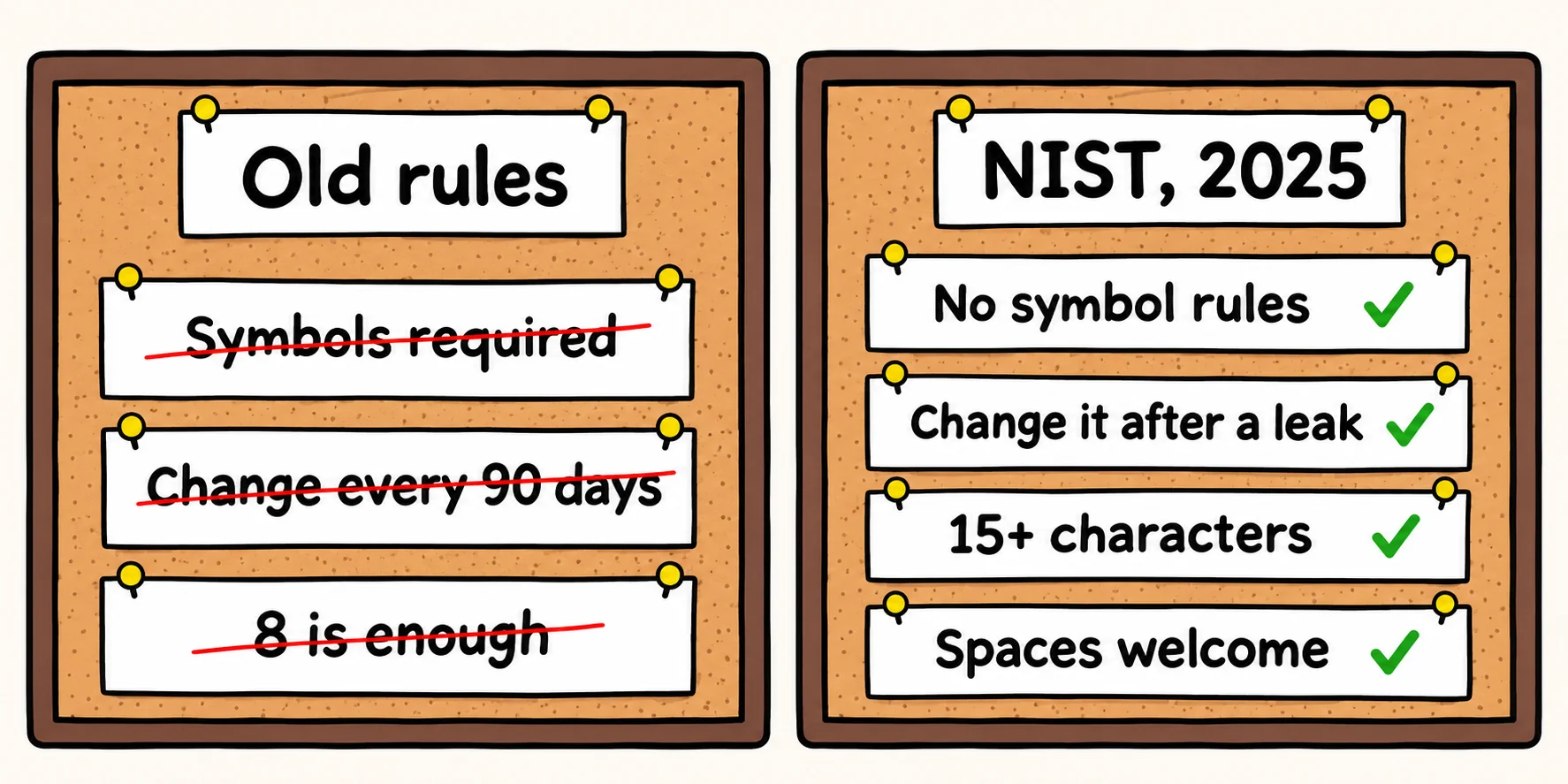
Read that list again and notice what's missing: nothing in it makes a password harder to remember. Every rule points the same way. Long, plain and yours.
How this site handles your password
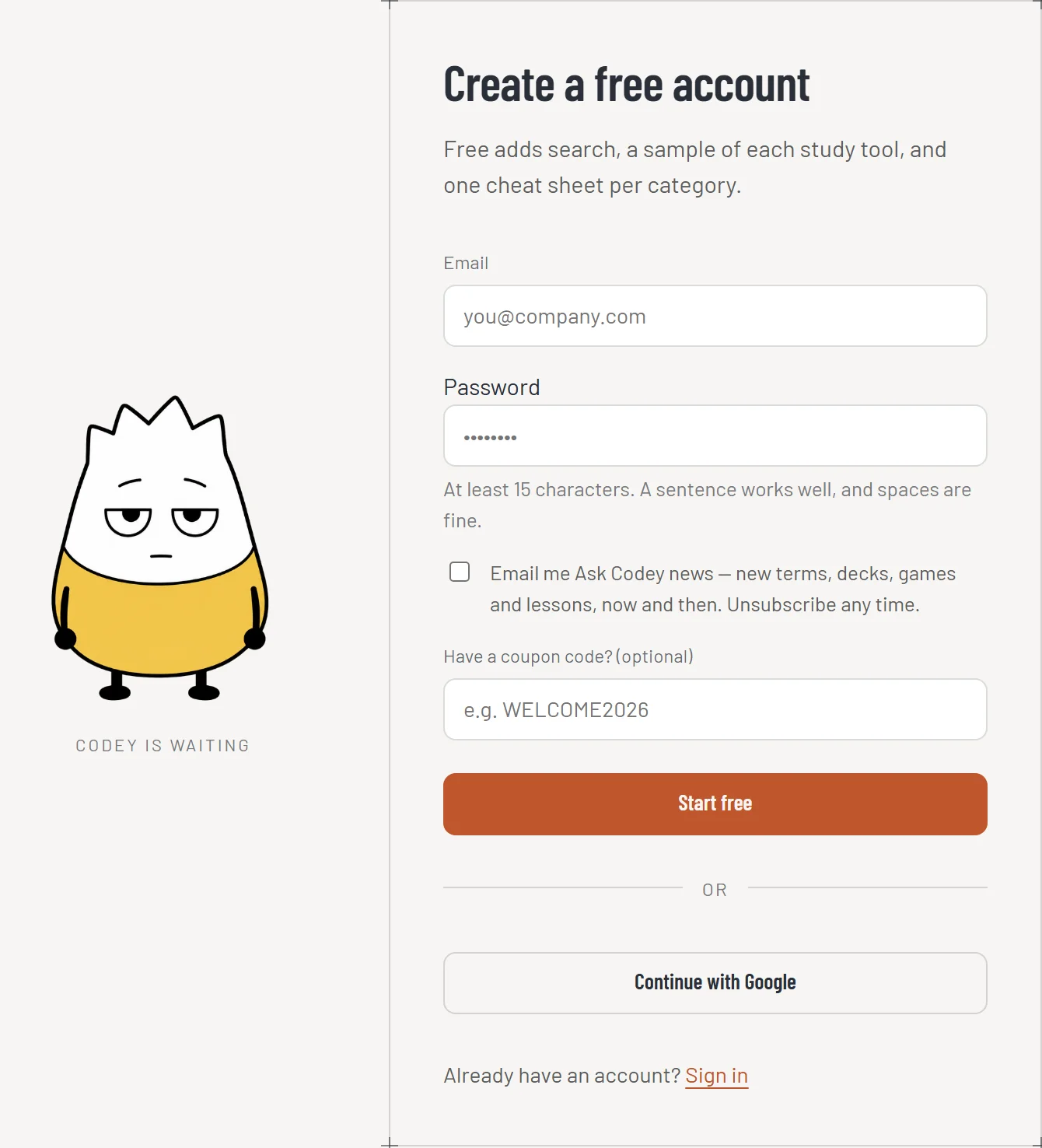
When I built sign-up for Ask Codey, I chose the same approach:
- No rules about capitals, numbers or symbols. Write a sentence.
- Any character you can type, spaces included, and no maximum length. If your passphrase is a whole paragraph, it fits.
- No forced changes. You change your password when you want to, and changing it signs you out everywhere else.
- Paste and password managers work.
- We never store your password. We store a fingerprint of it, made with a deliberately slow method (called PBKDF2), so even a stolen copy of our database would be slow to guess against.
- The minimum is 15 characters, as NIST asks for a password that guards an account on its own. That sounds like a lot until you write a sentence: my purple stapler hates mondays is already 31.
The short version
Long beats complicated. A plain sentence of five or more words, true for you and unknown to everyone else, is the strongest password you'll actually remember. Give every site its own, let a password manager keep track of them, and turn on two-factor where you can.
And if anyone ever guesses yours from the keys you pressed and your love of American history, at least you'll be in a movie.
Sources
- NIST, SP 800-63B-4, Digital Identity Guidelines: Authentication and Authenticator Management, section 3.1.1.2, "Password Verifiers", published July 2025: no composition rules, no periodic changes, spaces and 64+ characters accepted, password managers and paste allowed, the blocklist with context-specific words, and the 15- and 8-character minimums.
- Swapna Krishna, The man who put us through password hell regrets everything, Engadget, August 8, 2017: Bill Burr's 2003 NIST guide and his "Much of what I did I now regret" to The Wall Street Journal.
- Randall Munroe, Password Strength, xkcd #936, 2011: about 28 bits for one word with the usual substitutions, about 44 bits for four random common words.
- Electronic Frontier Foundation, Dice-Generated Passphrases: words picked with five dice each, so a list of 6⁵ = 7,776 words, and a six-word passphrase suggested.
- Wikipedia, National Treasure (film): released November 19, 2004; Abigail Chase, an archivist at the National Archives; the Declaration taken from the Archives' preservation room. The "Valley Forge" password, the glowing keys and Riley's list of anagrams are from the film itself (Walt Disney Pictures, 2004).
- The comparison table is this post's own arithmetic: 95 keyboard characters per random character (95⁸ and 95¹²), 7,776 words per random word (7,776⁴, 7,776⁵ and 7,776⁶), divided by a trillion guesses a second.