What's new in C# 15: Collection expression arguments
Square brackets made lists short to write, until you needed a setting like "ignore upper and lower case". C# 15 lets you pass that setting inside the brackets.
By Gregor Dzierzon ·

What's new in C# 15
- The release: .NET 11, LTS and STS
- Union types
- Labeled
breakandcontinue- Closed hierarchies
- Collection expression arguments
- Extension indexers
- For library authors: static interface members on older runtimes, and memory safety
Collection expression arguments
Say you're building a newsletter sign-up list. Sam signs up twice: once as Sam@Example.com and once as sam@example.com. To a person, that's the same email. You want one copy, not two.
A HashSet<string> keeps only one copy of each value, so it's the right collection. And since C# 12, you can fill one with a collection expression, the short square-bracket form:
HashSet<string> emails = ["Sam@Example.com", "sam@example.com", "ana@example.com"];
But this set holds three emails. A HashSet compares strings exactly, letter for letter, and an uppercase S isn't a lowercase s.
The problem: no room for settings
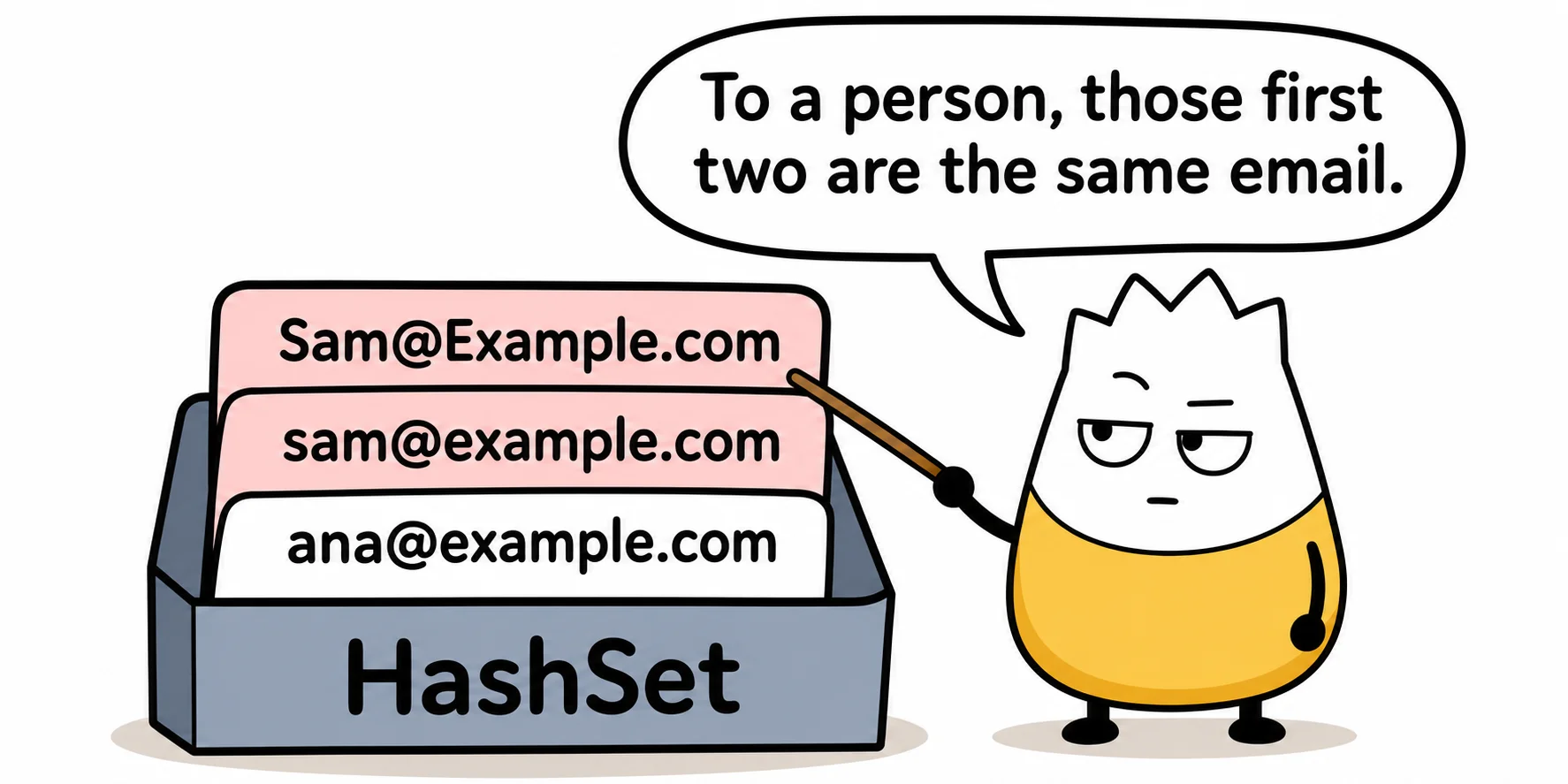
The fix is to give the set a different way to compare: StringComparer.OrdinalIgnoreCase, a ready-made comparer that ignores upper and lower case. You pass it when the set is created, to its constructor. Until now, a collection expression had nowhere to put it, so you had to go back to the long form:
HashSet<string> emails = new HashSet<string>(StringComparer.OrdinalIgnoreCase)
{
    "Sam@Example.com", "sam@example.com", "ana@example.com"
};
It works. But it means one style when a collection needs a setting and another when it doesn't, for no good reason.
The C# 15 answer: with(...) first
C# 15 lets the first item in the brackets be with(...), holding whatever you'd pass to the constructor:
HashSet<string> emails = [with(StringComparer.OrdinalIgnoreCase), "Sam@Example.com", "sam@example.com", "ana@example.com"];
Read it out loud as "a set, made with a comparer that ignores case, holding these emails." It holds two emails: Sam once, and Ana.

Another everyday use: capacity
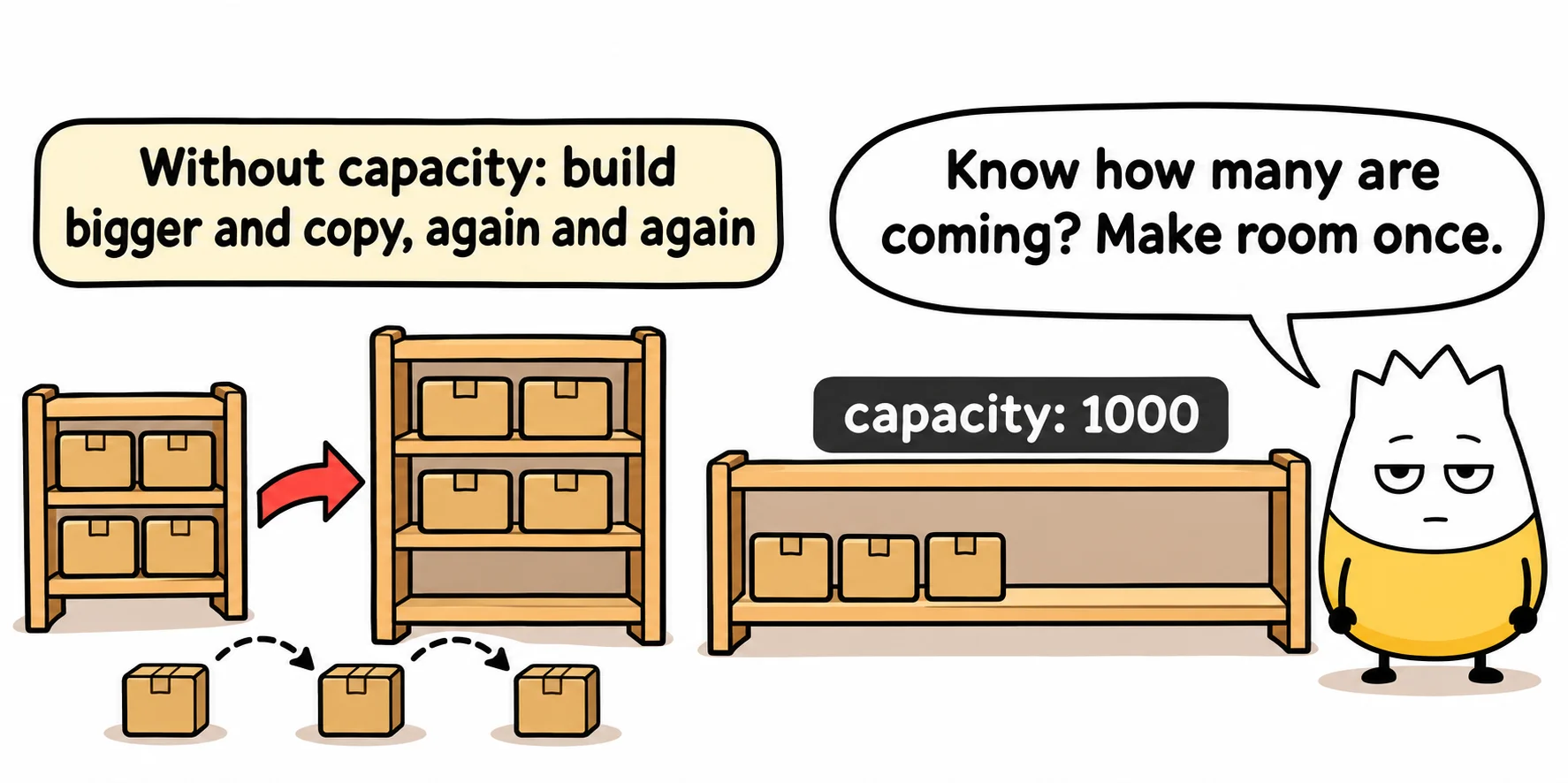
A List<T> stores its items in an array. When the array fills up, the list makes a bigger one and copies everything over. If you already know a list will hold about a thousand orders, you can give it room for that many from the start, its capacity, so it never has to stop and copy:
List<string> orderIds = [with(capacity: 1000), .. todaysOrders];
The .. spreads the items of todaysOrders into the new list. The list holds today's orders and has room for a thousand.
Good to know
with(...)must come first in the brackets.- It doesn't work for arrays or spans, which have no constructor settings to pass.
- Without
with(...), nothing changes. Every collection expression you've written still works the same way.
It's a small feature. Its value is that a collection expression now covers the cases where you used to give up and write the long form.
On one page: the collection expression arguments cheat sheet, to keep or to share.
Sources
- Microsoft, Collection expressions, Microsoft Learn: collection expressions and
with(...)arguments, with their rules. - Microsoft, What's new in C# 15, Microsoft Learn: every C# 15 feature, with examples.
Tags: csharp, csharp-15, dotnet, whats-new