Put Your API Online with Render
Render's free web service runs your API from its GitHub repository at a link anyone can open, once the API takes its port from PORT, starts without a .env file and answers /health; then every push deploys again, and a rollback undoes a bad one.
Journeyman · Node.js · Web Development · Updated
After this lesson you can
- Prepare a Node API for a host, with its port from process.env.PORT, a start script that needs no .env file, and a /health route
- Deploy an API as a Render web service from GitHub, with its build and start commands, environment variables and health check path
- Explain how a free Render web service behaves, such as its 750 hours, its sleep after 15 idle minutes, a deploy on every push and rolling back
Key takeaways
- A host is a computer that's always on, at an address anyone can reach. Render's free web service runs your API there, built from your GitHub repository.
- A host picks the port and puts it in PORT, and has no .env file, so the API reads process.env.PORT and npm start runs plain node server.js.
- Render builds with npm ci, starts with npm start, keeps MONGODB_URI in its environment variables, and asks /health before it sends anyone to a new deploy.
- A free web service sleeps after 15 minutes with no visitors, and the next request wakes it, which takes about a minute.
- Every push to the branch deploys again, and Rollback on the Deploys page puts an earlier deploy back.
A link to http://localhost:3100/trails works on your laptop and nowhere else. To put the trails API on a hiker's phone, its code has to run on a computer that's always on, at an address anyone can reach. Putting it there is called a deployment, and you'll do one for every project you want someone else to use.
What a host does, and what's free
A host is that computer, run by someone else, like a market stall where the organizer keeps the lights on and puts your stall on the map. This course uses Render, whose free web service runs Node apps straight from a GitHub repository. Render's documentation sets the free web service's limits:
- 750 free hours a month for your workspace, your account's space on Render. One service running all month uses at most 744, so one fits, but two running all month would use the hours up, and Render then suspends your free services until the next month.
- It sleeps after 15 minutes with no requests. The next request wakes it, which takes about a minute, so that first request is slow. The wait is called a cold start.
- Files it writes don't last. A restart starts it fresh, which is why the trails live in Atlas.
Choose the Free instance type. If Render asks for a credit card, stop there: nothing in this course needs a paid plan.
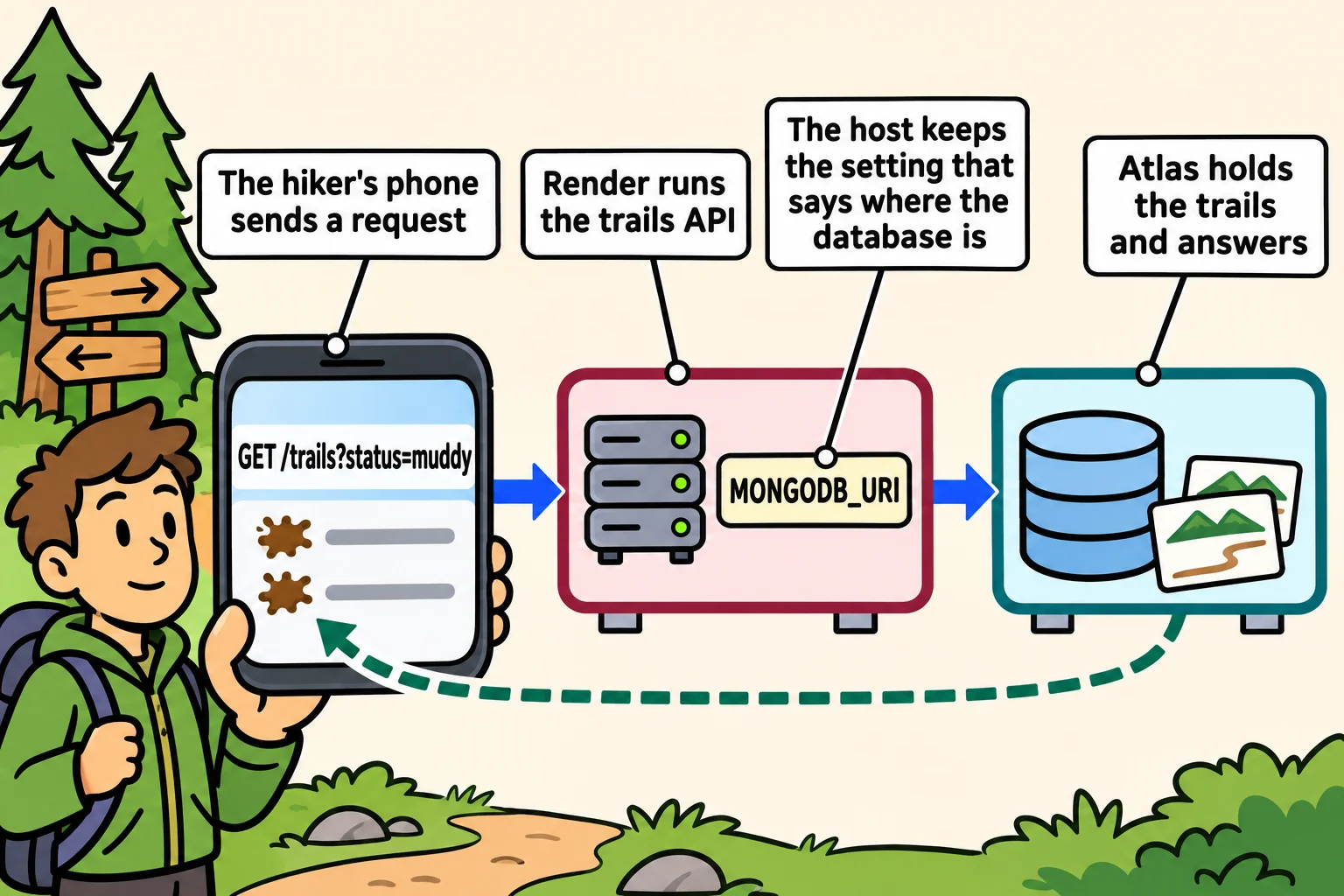
Three changes a host needs
The trails API runs on your laptop with npm start. A host needs three changes first:
The start script loads
.env, as in Keeping Secrets Out of Your Code:node --env-file=.env server.js. A host has no.envfile (it's in.gitignore), and Node stops with a line ending.env: not found. Sostartbecomesnode server.js, and the host supplies the settings.devkeeps--env-filefor your own computer.The port is fixed at 3100. A host chooses the port and puts it in the
PORTenvironment variable; Render's is 10000 unless you set another. Render can usually find a server listening on another port, but when it can't, the deploy fails, and Render's own advice is to usePORT. Read it, and keep 3100 for your laptop:function portFrom(env) { return env.PORT ? Number(env.PORT) : 3100; } console.log(portFrom({})); console.log(portFrom({ PORT: "10000" }));3100 10000server.jscallsapp.listen(portFrom(process.env)). Environment variables are always text, soNumberturns"10000"into10000.Nothing tells the host it's working. Graceful Shutdown and Health Checks showed why a server answers
/health, and a host is who asks. It asks the database to answer, and says503("I'm running, but I can't do my job right now") when it doesn't:app.get("/health", async (req, res) => { try { await db.command({ ping: 1 }); res.json({ status: "ok" }); } catch { res.status(503).json({ status: "unavailable" }); } });
A web service from GitHub
Push the API to a GitHub repository first. Then sign up at render.com (signing in with GitHub is the shortest way), and in the Render Dashboard click New, then Web Service. Choose Git Provider, connect your GitHub account, and pick the repository. Fill in the form:
| Setting | Value |
|---|---|
| Name | trail-conditions, which also becomes part of the address |
| Branch | main |
| Language | Node |
| Build Command | npm ci |
| Start Command | npm start |
| Instance Type | Free |
Under Advanced, click Add Environment Variable, name it MONGODB_URI, and paste your Atlas connection string as its value. Set Health Check Path to /health. Then click Create Web Service.
The first deploy, and every one after
On the service's Deploys page, select the deploy to read its log. It shows npm ci installing your packages, then your server's own line: The trails API is listening on port 10000. Once /health answers, the deploy goes live at https://<your-service-name>.onrender.com. Check it from REST Client by pointing a .http file's base address at it:
@baseUrl = https://your-service-name.onrender.com

### Is it working? 200
GET {{baseUrl}}/health
From now on, every push to main deploys again. Render waits for the new version's /health to answer before sending anyone to it, so a deploy that fails its health check never replaces the one that works. If a deploy goes live and turns out wrong, open the service's Deploys page, click Rollback on the last good deploy, then Rollback to this deploy. A free service can go back to its two most recent earlier deploys. Rolling back turns automatic deploys off, so turn them back on in Settings once the fix is pushed.
Check yourself
2 questions to try on the lesson page.
So what
Your API is a link now: a hiker at the trailhead, a friend or an employer opens it, and every push you make is live minutes later.